22
REMOTE CONTROL
REMOTE CONTROL
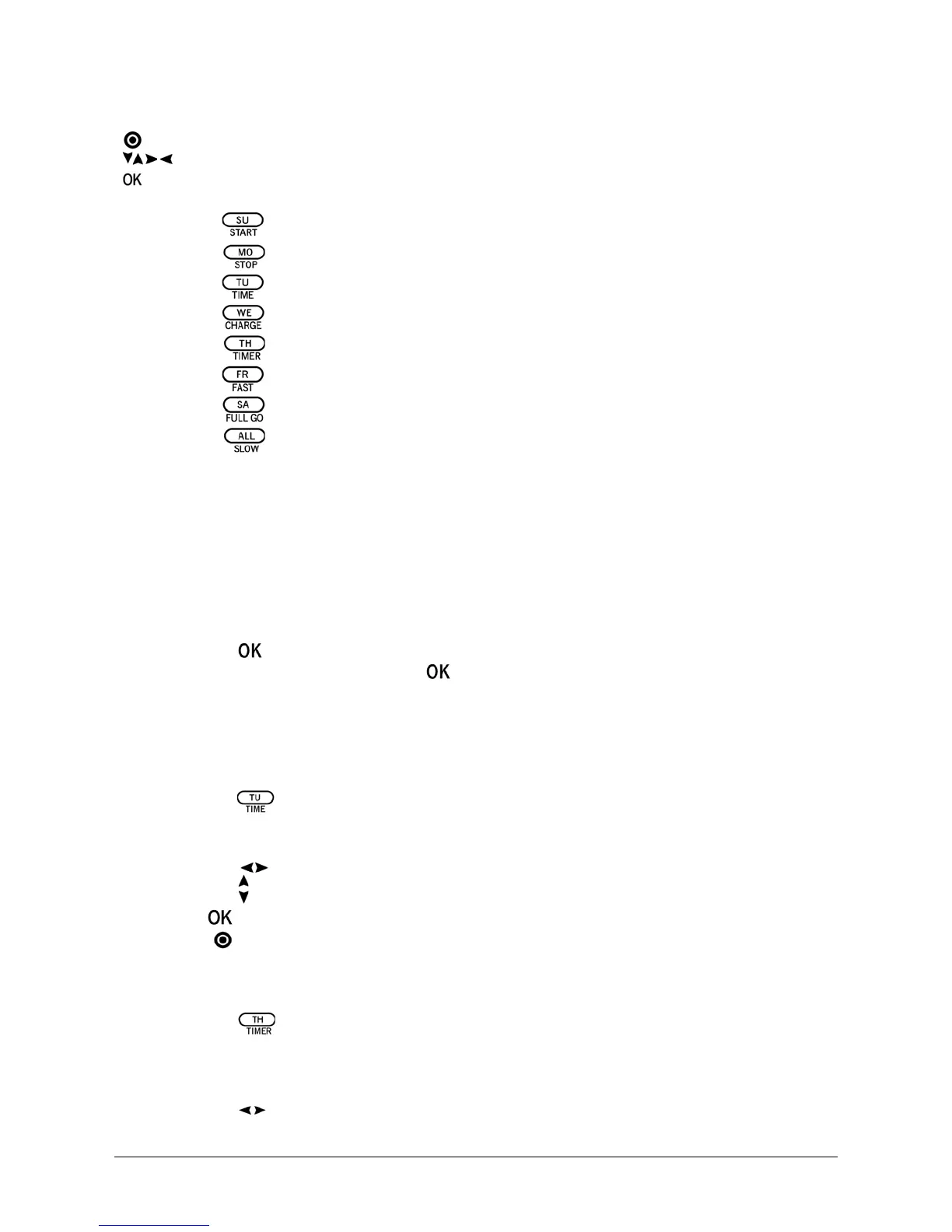
COMPONENTS (C)
TIMER
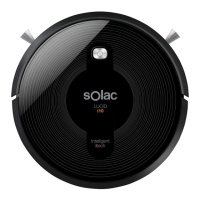
Synchronisation of the Remote Control and the Robot Vacuum (fig. 5)
, Synchronise the remote control and the robot vacuum before first use and following
maintenance operations. To do so:
1 Check that the batteries of the robot vacuum and the remote control are sufficiently
charged.
2 Turn the robot off. To do so, set the operating switch (20) to the OFF position.
3 Press the button for more than 4 seconds. Return the operating switch (20) to the
ON position, without releasing the button.
, When the synchronisation has been properly performed, the robot will emit two beeps.
Setting Day and Time (fig. 6)
, To ensure that the robot starts operating at the expected time, the current day of the
week and time must be saved.
1 Press the button. This opens the day setting function.
2 Press the button of the day corresponding to the current day of the week (SU= Sunday,
MO= Monday, TU= Tuesday, WE= Wednesday, TH= Thursday, FR= Friday, SA= Saturday).
3 Press the arrows to move through the “hour” and “minutes” fields.
Press the arrows to select the current “hour” and “minutes”.
4 Press to confirm the selection.
) Press if you want to cancel the setting.
Scheduling Automatic Weekly Cleaning (fig. 7)
With the robot turned off.
1 Press the button of the remote control.
2 Press the button of the day corresponding to the day of the week you want to
programme. Select one, several or all the days of the week. The selected days will
flash.
3 Press the arrows to set the exact cleaning time. Press the “up” and “down” arrows
to select the hour and minutes.
1 Robot vacuum ON/OFF 5 Display (fig. 4)
2 Direction buttons a Transmitting signal” icon
3 Confirmation button
b Programmed days of the week
4 Control keys
c Programmed days of the week
Start/Sunday d Time
e Error icon
f Function icon
Provisional stop/Monday
Time setting/Tuesday
Charge/Wednesday
Timer/Thursday
Fast clean/Friday
Clean after charging/Saturday
Slow clean/every day


 To Next Page