STORAGE AND STORAGE 23
en
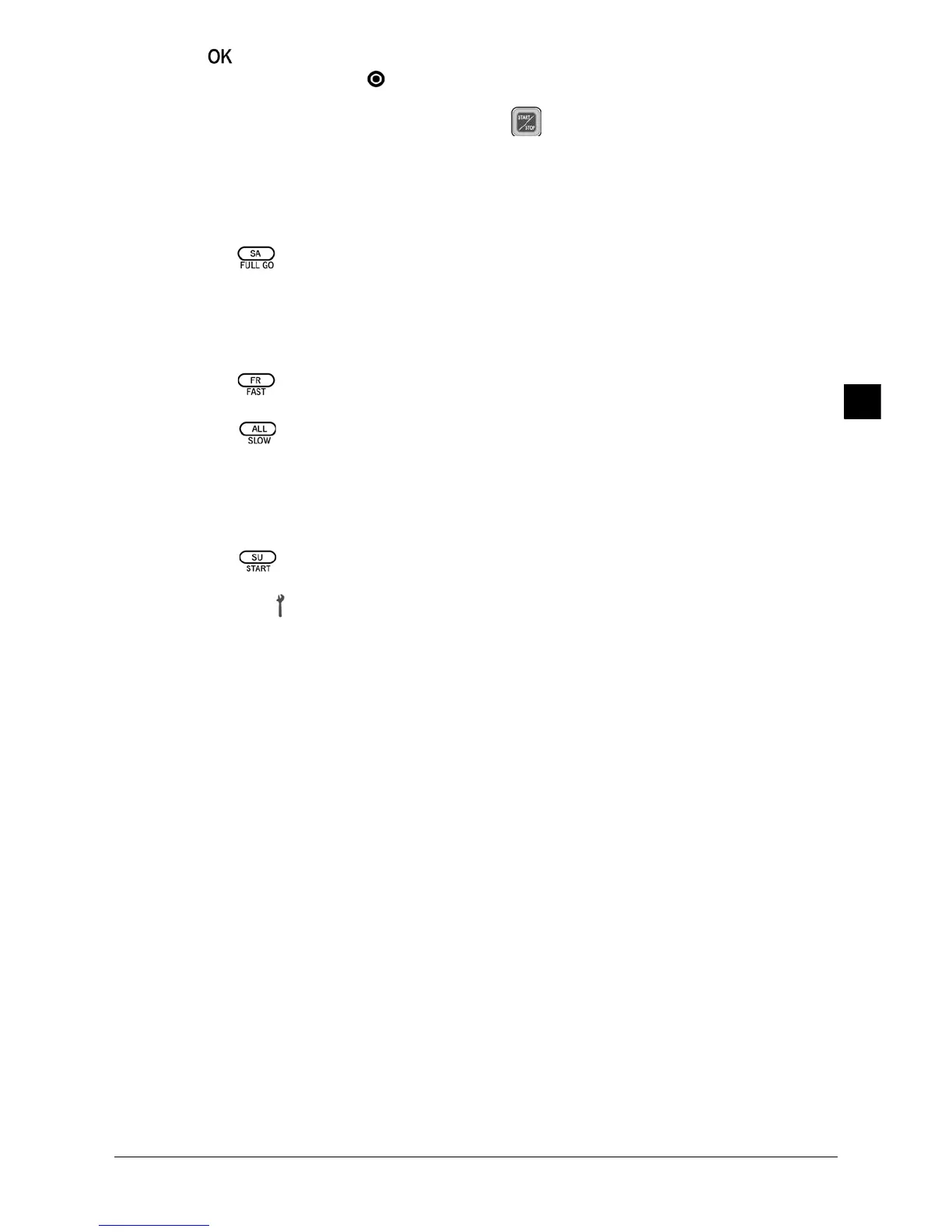
4 Press to confirm the selection.
) Press the ON/OFF button if you want to cancel the setting.
) For the robot vacuum to start up at the planned time, it must be switched on. The
operating switch (20) in the ON position and lit.
ADDITIONAL FUNCTIONS
FULL GO Function
) If this function is selected, the robot vacuum is programmed to continue cleaning once
it is fully charged.
1 Press the button. The robot vacuum must be switched on.
, FULL GO will light up in the remote control display. The robot vacuum will search for the
charging station before the battery runs out and will automatically start cleaning when
it is fully charged.
SPEED Function
1 Press the button to choose fast clean.
, FAST will light up in the remote control display.
2 Press the button to choose slow clean.
, SLOW will light up in the remote control display.
ERROR CODES
If the robot is not functioning properly due to one of the following circumstances, all of the
robot’s control panel buttons will flash simultaneously.
1 Press the button of the remote control. Ensure that the remote control signal is
within the active range of the appliance.
, The error icon will appear in the remote control display beside one of the error codes
described below.
2 Perform the actions described below depending on the error displayed.
, If the failure persists after fulfilling these actions, do not use it and take it to an
authorised assistance service. Do not modify or repair the appliance.
STORAGE AND STORAGE
n Prior to any cleaning or maintenance operation, ensure that the operating switch
(20) is in the OFF position and that the appliance is not connected to the mains.
) Make sure that all washed elements are completely dry prior to assembly.
) Never immerse the vacuum module (15) in water or any other liquid, or place it in the
dishwasher. Do not use abrasive products or solvents.
E
RROR
C
ODE
CAUSE OF THE FAILURE SOLUTION
E01
E02
E03
E04
E05
Stair detector sensors
Central roller
Low battery
Side wheels
Dustbin
Clean the sensors (27).
Remove any dirt and hair trapped in the roller (23).
Charge the battery.
Remove any dirt and hair trapped in the wheels.
Fit adequately the dustbin (11).


 To Next Page