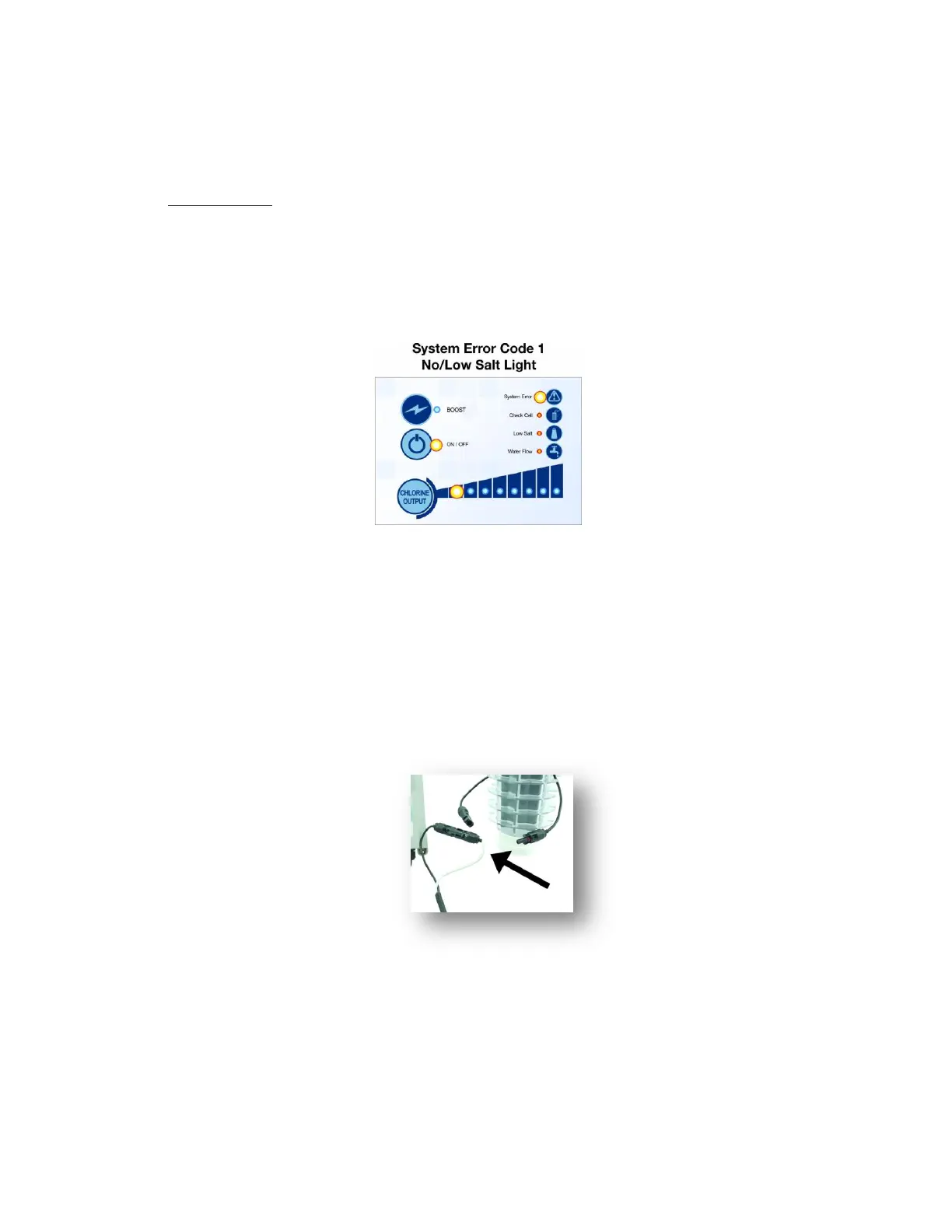
IF SYSTEM ERROR LIGHT IS ILLUMINATED
If System Error Light is lit, to get the correct Error Code, the ON/OFF Button light
MUST BE OFF.
If the ON/OFF Button light is on, then tap the ON/OFF button once.
The ON/OFF light will go off, and the system error light will remain on with LED lights.
How many LED lights are lit?
Check salt level and adjust to minimum 3500ppm.
Check for air getting pulled into the cell causing large bubbles.
Turn off pump and Retro Jet.
Check all connections and clean if necessary.
Disconnect cell connections from power supply and connect the white and black
connections from the power supply together to bypass the cell. Do not leave the
connections to power supply together while waiting for error code for too long, it
could damage the power supply
Turn back on pump and Retro Jet.
If you get error code 2? Replace the cell.
If you do not get error code 2? Replace the power supply.
To protect the other connections until replacement part arrives connect cell and
power supply back together correctly.


 To Next Page