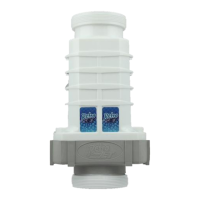
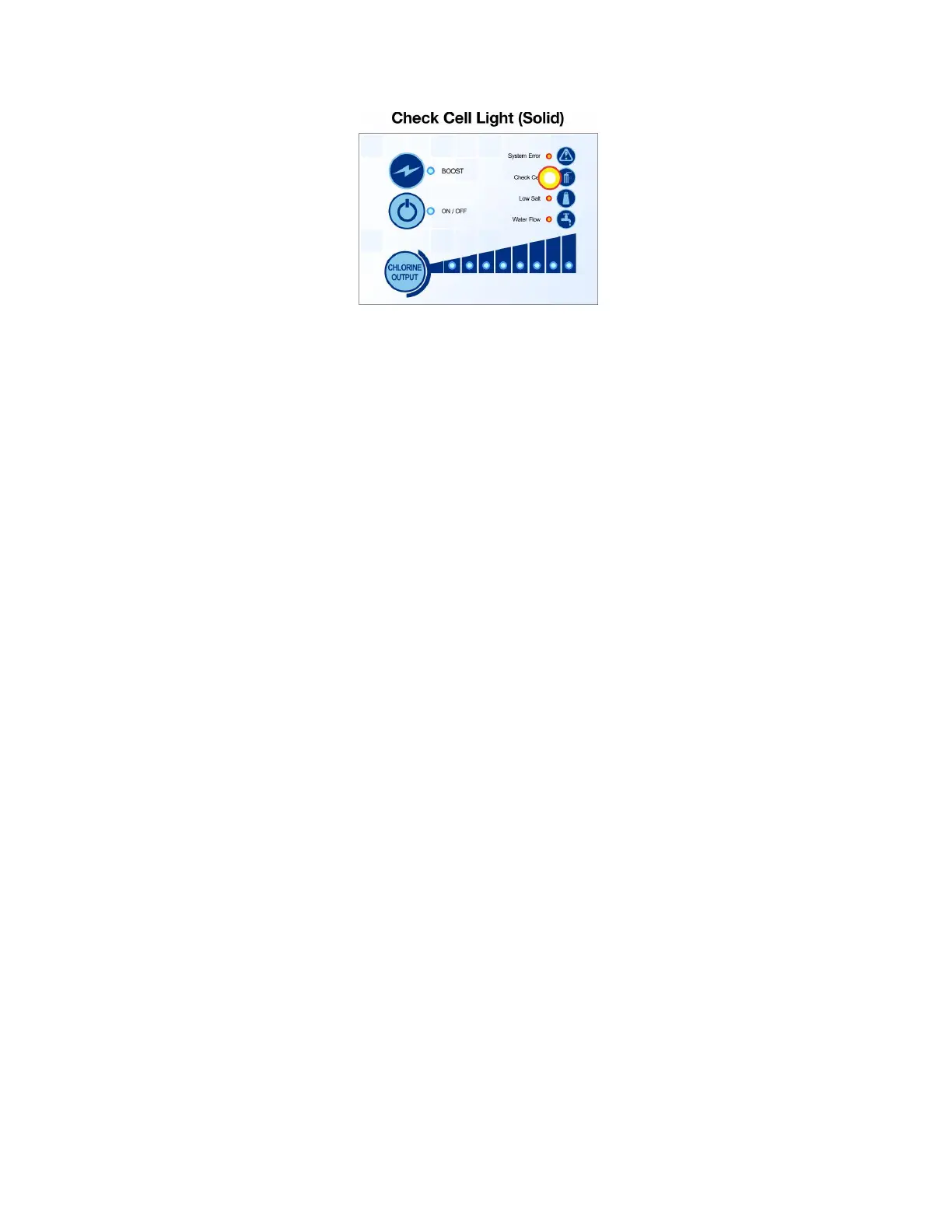
Solid Check Cell light means:
1) Cell came to end of its useable life – if cell hits end of its useable life naturally less
than 2 years old, the system goes into the limited portion of the warranty and the cell
gets a 40% discount from the MSRP pricing.
2) Critical salt level - Check current salt level. Critically low/high salt level will trigger
the solid check cell light.
3) Cell needs cleaning - Clean the calcium build up. Soak in 1 part muriatic acid and 4
parts water until foaming stops (takes about 5 to 10 minutes). Might need to do it 2 or
3 times depending on the buildup
4) Damage to blades. - Is there anything stuck in between the blades? Make sure not
to stick anything in between the blades to get it out. Use a high-pressure hose to clean
out debris. Check blades for damage.
Is the pool losing prime causing large bubbles to go through the cell?
When putting a new cell on, it can show a check cell solid. The system calibrates every
40 minutes. When it calibrates the check cell will go off.
Put system into Tech Mode on next page


 To Next Page
 Loading...