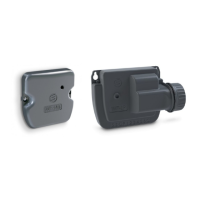
INTRODUCTION
WF products are used to control the watering and / or garden lighng from
a smartphone or tablet. The watering and lighng programs are transmied in
modules from the SolemWF free applicaon available on the App Store or
Google Play (Play Store). The user must rst establish a connecon between
their smartphone or tablet and the WF product..
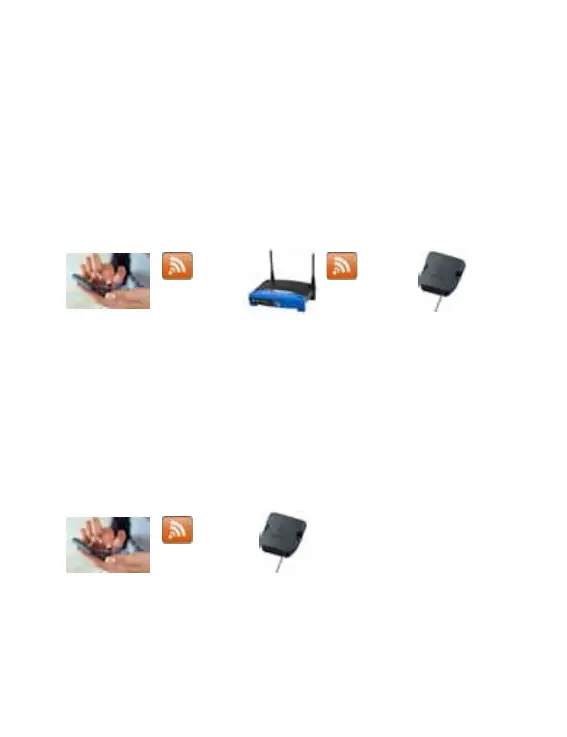
1 - CONNEXION VIA BOX
The connexion can be done through a router or a box. (Step ❸ for sengs in “
Client mode via a router”)
This mode is “ recommended “ because it allows you to communicate
with one or more WF Solem modules by simply using the exisng home
network . This operang mode will also give you the possibility to monitor a
module remotely via Internet.
2 - DIRECT MODE CONNEXION
If you don’t have a router, the connexion can be established directly.
(Step ❹ seng in direct mode called ‘’ independant network mode’’)
This mode allows the use of the applicaon SolemWF directly with the product
without the need of a router
Now you can dowload the applicaon and choose your mode,
- Download the SolemWF App, ( See Step ❶ )
- Conguring the Wi-Fi network, ( See Step ❷ )
- Switch to the Step ❸ or ❹ according to your Choice
P-21


 To Next Page
 Loading...