Need help?
Do you have a question about the Solem WF-IS and is the answer not in the manual?
Guide to downloading the SolemWF application and configuring the Wi-Fi network for initial setup.
Details two primary connection methods: client mode via router and direct independent network mode.
Step-by-step guide for establishing a direct connection to the WF-IS module.
Step-by-step guide for connecting the WF-IS module via an existing home router.
Instructions on creating watering schedules using the SolemWF application.
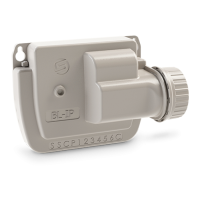
Guidance on physically mounting the module and connecting solenoid valves.
Instructions for wiring an optional rain probe to the module.
Specifies compatible operating systems and devices for the SolemWF application.
Provides solutions for common issues like no irrigation or communication loss.
Explains the meaning of different LED light patterns on the module.
 General
| Brand | Solem |
|---|---|
| Model | WF-IS |
| Category | Controller |
| Language | English |


 To Next Page