Need help?
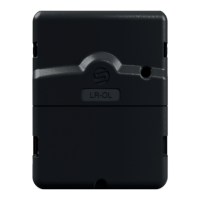
Do you have a question about the Solem BL IP and is the answer not in the manual?
Module starts in association mode for 2 minutes upon power-on.
Enable Bluetooth on your smartphone or tablet.
Open the SolemWF application on your device.
Navigate and select the BL module to associate from the application.
Press on the product number matching the label for identification.
Option to change product name and set a security key for access control.
Tap current name to enter a new name and confirm.
Add a digit code up to 7 digits to secure the module.
Finalize association and view product in the list of associated modules.
Instructions for adding additional modules and resuming association.
Procedure to reset and reassign a security key if forgotten.
Overview of programming watering schedules and contacting support.
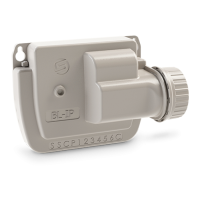
Mount the unit on a plastic valve box using 9V solenoid pulse valves.
Diagram and notes for wiring solenoid connections.
Instructions for wiring a rain probe.
Specifies compatible operating systems and Bluetooth version.
Guides to resolve communication, irrigation, or schedule problems.
 General
| Brand | Solem |
|---|---|
| Model | BL IP |
| Category | Controller |
| Language | English |

 To Next Page