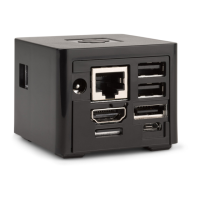
Id Interface Description
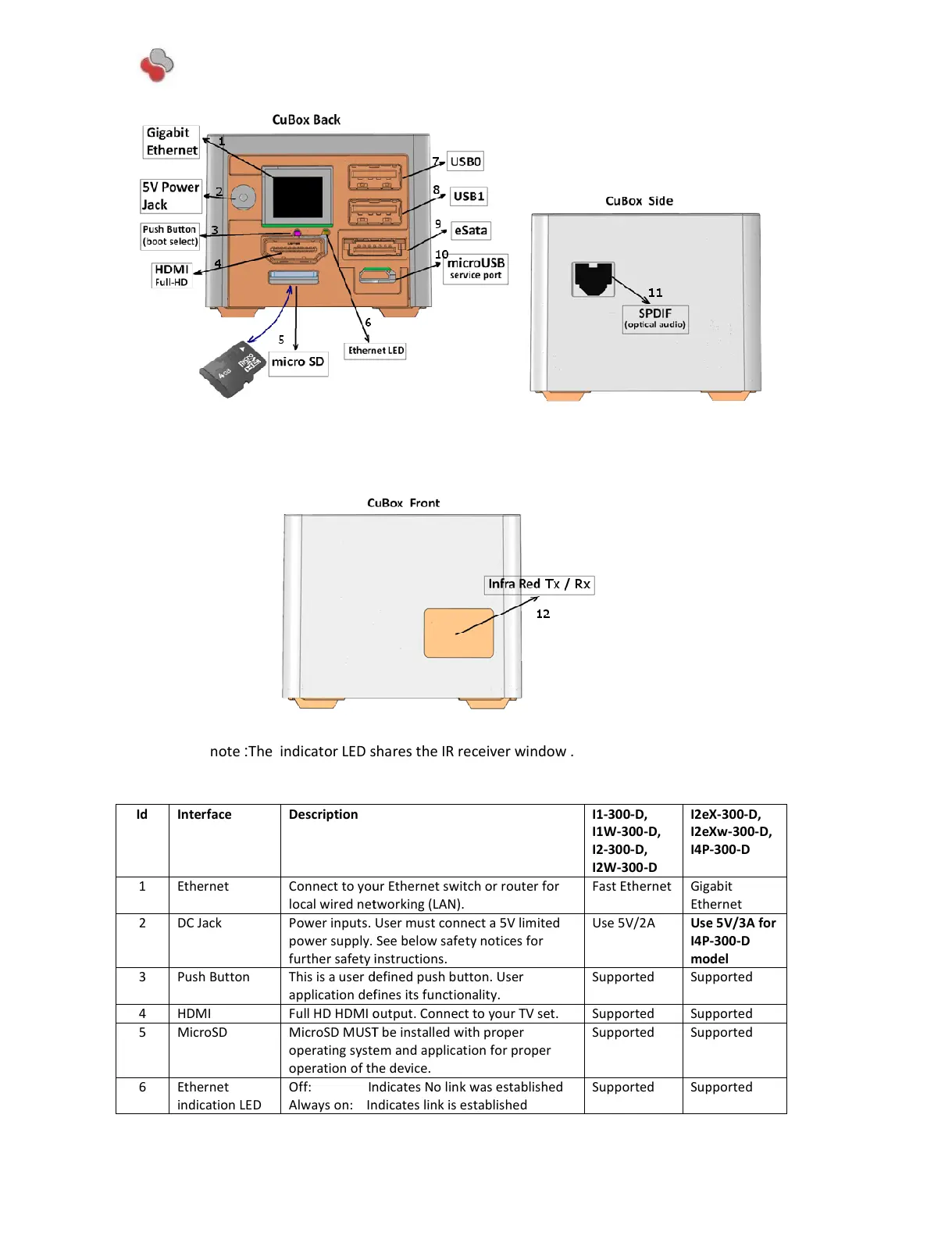
1 Ethernet
Connect to your Ethernet switch or router for
Power inputs. User must connect a 5V limited
further safety instructions.
3 Push Button This is a user
defined push button. User
application defines its functionality.
Full HD HDMI output. Connect to your TV set.
operating system and application for proper
6 Ethernet
indication LED
Off:
Indicates No link was established
Indicates link is established
The indicator LED shares the IR receiver window .
I1-300-D,
I1W-300-D,
I2-300-D,
Connect to your Ethernet switch or router for
Power inputs. User must connect a 5V limited
further safety instructions.
defined push button. User
application defines its functionality.
Full HD HDMI output. Connect to your TV set.
operating system and application for proper
Indicates No link was established
Indicates link is established
The indicator LED shares the IR receiver window .
All manuals and user guides at all-guides.com


 To Next Page
 Loading...