ST-RoIP4-Kirisun User’s Guide
Copyright © Innotek Company Limited. All Right Reserved.
6
System Setup
Connect the Radio Unit to an external antenna.
Connect the ST-RoIP4 to a Radio Unit by using a right connection cable.
Connect the ST-RoIP4 to an IP network by using an Ethernet cable.
Turn on the Radio Unit and adjust its volume to approximate 1/3 position of maximum level.
Adjust the radio frequency and CTCSS on both Radio Unit and all other handhelds/mobiles.
Connect the ST-RoIP4 to power outlet by using the AC adapter to turn on the ST-RoIP4.
Setup PTT Control Mode of ST-RoIP4
The ST-RoIP4 ships with PTT Control Mode 1 for supporting the connected radio with the PTT pin embedded with
MIC pin(such as Motorola). If the PTT and MIC are on separate pins(such as Kenwood), please set the DIP SW1 to
ON position.
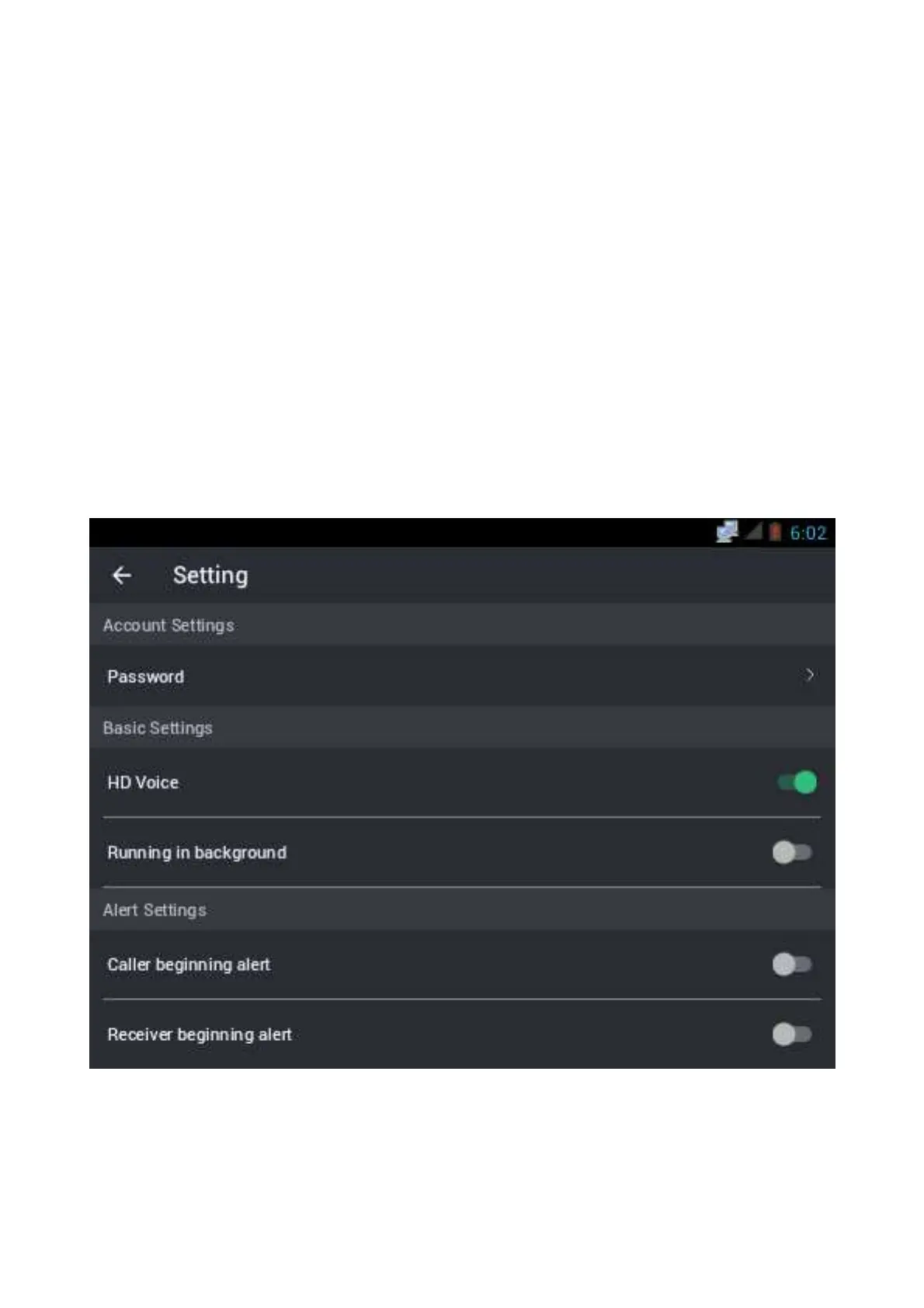
Setup Kirisun Press2Talk PTT App
Please add an account to the Kirisun Press2Talk app, and setup the app like below.
Setting


 To Next Page