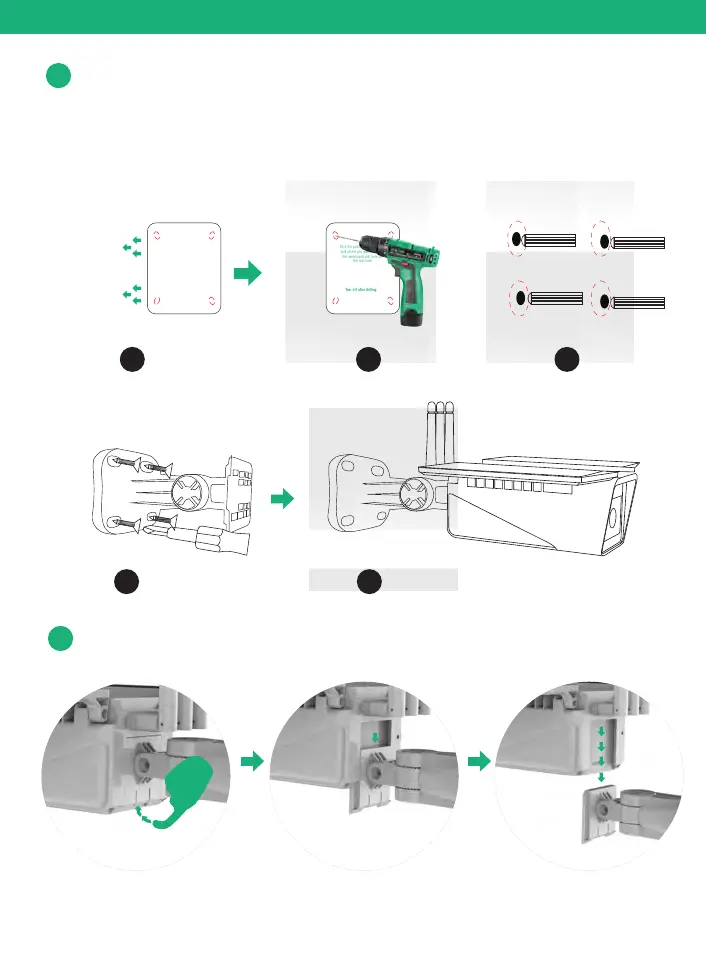
Stick the position paper on the wall where you want to install
the camera. drilling the 4 holes according to the 4 red dots on
16
Physical Installation
3
How to take apart the bracket?
4
1 2
4 5
Stick the position paper on the
wall where you want to install
the camera,and drill hole on
the red circle
Tear off after drilling
Stick the position paper on the
wall where you want to install
the camera,and drill hole on
the red circle
Tear off after drilling
3
the paper and then fix the bracket using the expansion screws.

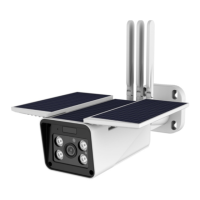

 To Next Page