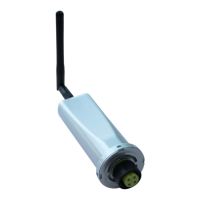
Solis Wi-Fi Dongle Connection
12 | P a g e
STEP 14:
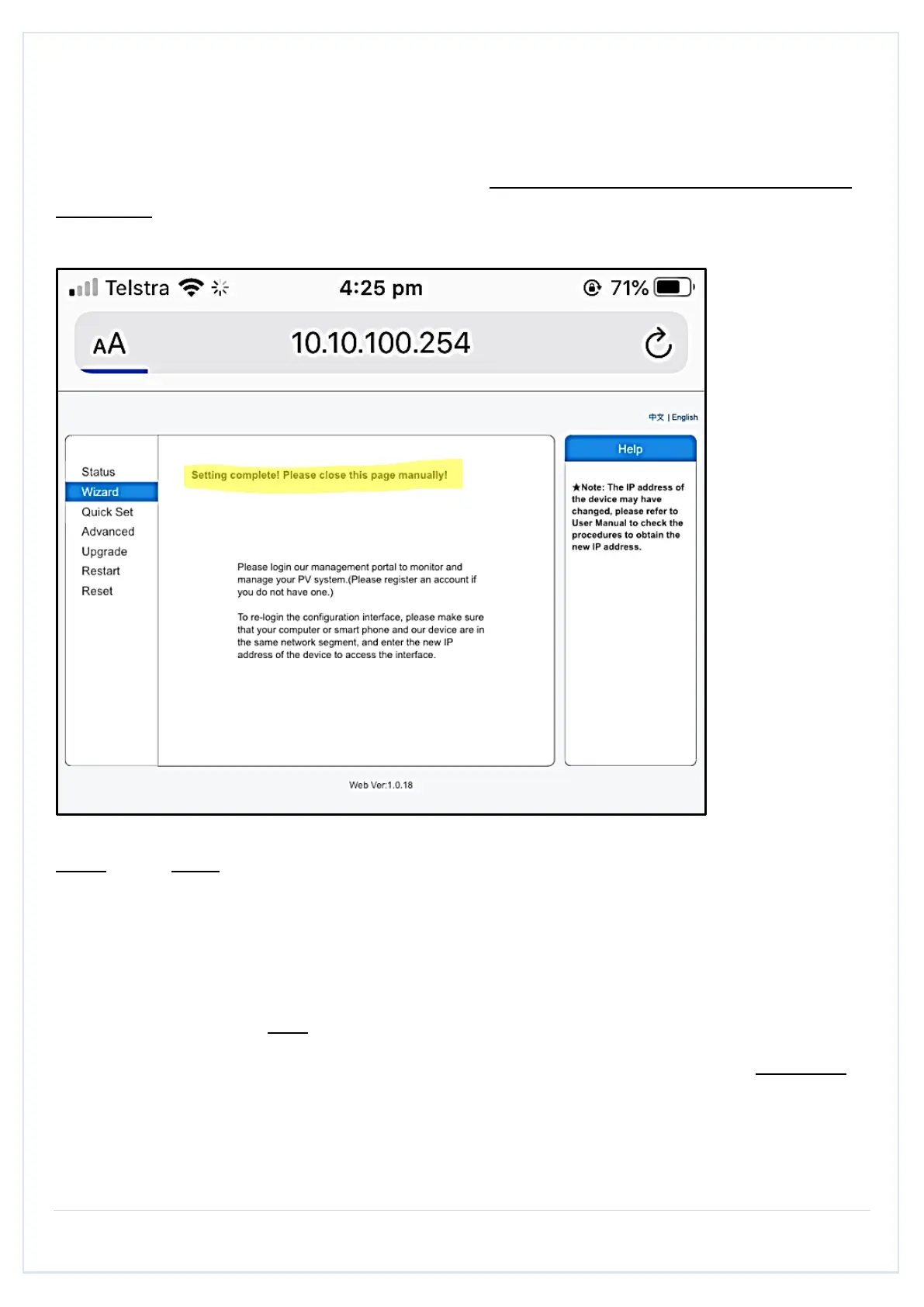
After 10-20 seconds, you should get a message: “Settings complete please close this page
manually!.”
NOTE: If you don’t see the above message after 10-20 seconds,
• Go back to your Wi-Fi settings
• Turn Off your Wi-Fi and then turn it back ON
• Check if you are still connected to AP XXXXXXXXXX or is AP XXXXXXXXXX still visible.
(Also, you should NOT be connected to your home network.)
• If you can see/connected to the AP XXXXXXXXXX network, the setup was NOT done
properly.
• Confirm your home Wi-Fi password and ensure that you are using 2.4GHz internet.
• Repeat all the steps again.


 To Next Page
 Loading...