EasyManua.ls Logo

Soltaro AIO2-INS Series - User Manual

Soltaro AIO2-INS Series
55 pages
Print Icon
To Next Page IconTo Next Page
Loading...
Operating Manual
AIO2-INS Series

Questions and Answers

Summary

1 About This Manual

1.1 Products Covered by This Manual

Lists the specific AIO2-INS Series inverter models covered by this manual.

1.2 Target Group

Identifies the intended audience for this operating manual, primarily qualified electricians.

1.3 Symbols Used

Explains the various safety precaution and information symbols used throughout the manual.

1.4 Storage of the Manual

Provides guidance on where and how the operating manual should be stored.

2 Safety

2.1 Intended Use

Defines the purpose and suitable applications for the AIO2-INS Series hybrid inverter.

2.2 Important Safety Instructions

Details critical safety warnings and precautions for installation, operation, and maintenance.

2.3 Storage and Transportation

Outlines the environmental conditions and procedures for safe storage and transport of the inverter.

3 Scope of Delivery

4 Product Description

4.1 View of the Inverter

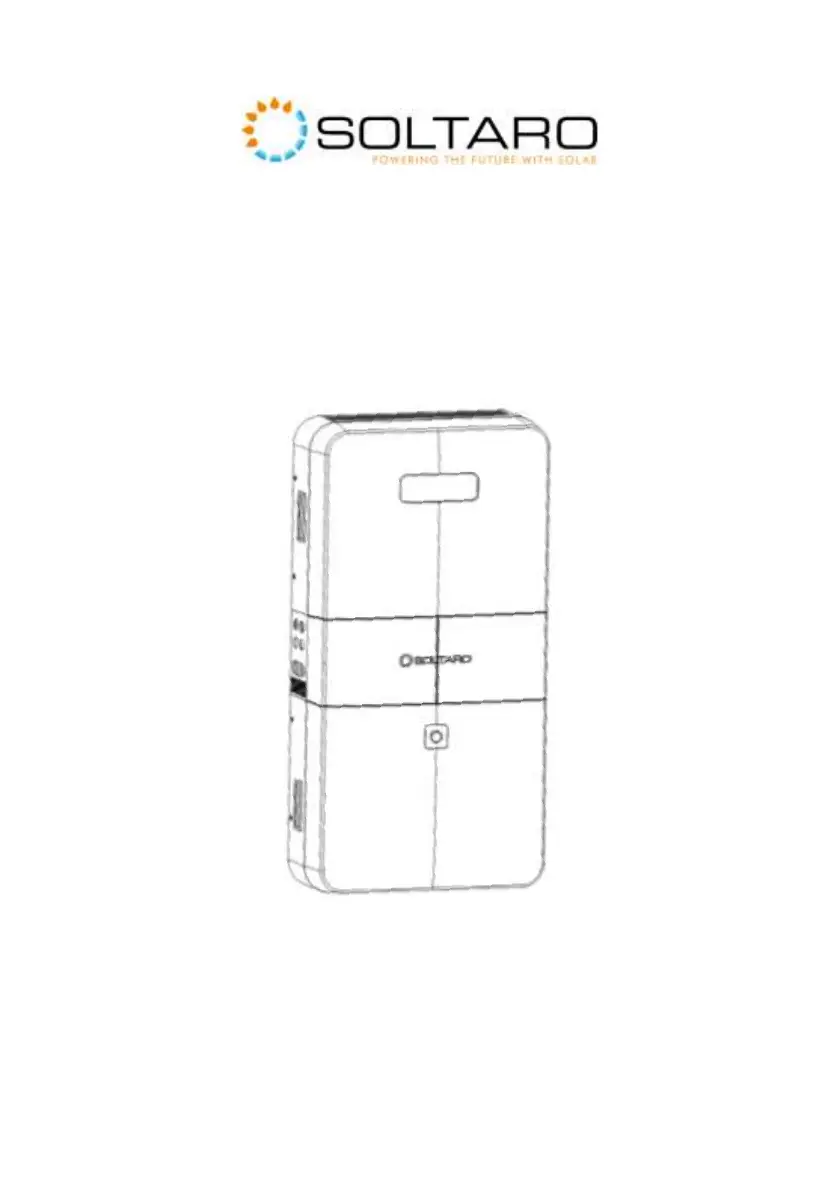
Illustrates the inverter's front view, identifying key components like the display and LED indicator.

4.2 Topology of the Inverter

Presents the internal electrical connection topology of the AIO2-INS Series hybrid inverter.

4.3 System Diagram

Shows the overall system diagram illustrating connections between PV, battery, grid, and loads.

4.4 Operating Mode Introduction

Introduces the different operating modes of the inverter, including on-grid and off-grid scenarios.

5 Mounting

5.1 Requirements for Mounting

Specifies environmental conditions and clearance requirements for safe and proper inverter mounting.

5.2 Mounting the Inverter (with AIO2-BTLV-5 KWH battery)

Provides step-by-step instructions for mounting the inverter with a 5KWH battery.

5.3 Mounting the Inverter (with AIO2-BTLV-10 KWH battery)

Provides step-by-step instructions for mounting the inverter with a 10KWH battery.

6 Electrical Connection

6.1 Wiring Diagram

Illustrates the electrical wiring diagram for Australia and New Zealand configurations.

6.2 Wiring Diagram

Details the electrical wiring diagram for general configurations, showing PE, LN connections.

6.3 Overview of the Connection Area

Identifies and describes the various ports and connectors on the inverter's connection area.

6.4 PV Connection

Explains the procedure and precautions for connecting the photovoltaic (PV) panels to the inverter.

6.5 Grid Connection

Details the procedure and safety requirements for connecting the inverter to the AC grid.

6.6 EPS Connection

Describes how to connect the inverter for Emergency Power Supply (EPS) during grid failures.

6.7 Battery Connection

Details the process for connecting the battery, including diagrams and power connections.

6.7.3 BMS Communication Connection

Explains how to connect the BMS communication cable for battery monitoring and management.

6.8 Smart Meter Connection

Guides the user on connecting the smart meter for energy monitoring and management.

6.9 WiFi Stick Connection

Explains how to connect the WiFi stick for remote monitoring and data access.

6.10 DRM Connection

Describes the connection for Demand Response Management (DRM) signals.

7 Operating of the Inverter

7.1 Graphical Display

Explains the inverter's graphical display interface and the meaning of various icons and parameters.

7.2 Commission

Outlines the step-by-step procedure for commissioning the inverter after installation.

7.3 Decommission

Provides instructions for safely decommissioning and removing the inverter from the installation.

7.4.1 User Interface Introduction

Introduces the user interface and navigation structure of the Soltaro APP.

7.4.2 Install the APP and Connect to the Inverter

Details how to download, install the Soltaro APP and connect it to the inverter.

7.4.3 Check the Country

Explains how to verify and set the correct country for regional compliance in the APP.

7.4.4 Time Synchronization

Guides on synchronizing the inverter's time and date using the Soltaro APP.

7.4.5 Scheduled Operation (optional)

Describes how to configure scheduled operation periods and parameters via the Soltaro APP.

7.4.6 Power Quality Response

Explains how to enable and adjust power quality response modes using the Soltaro APP.

8 Troubleshooting

Troubleshooting Guide

Lists common error codes, their descriptions, and recommended solutions for inverter issues.

9 Technical Data

9.1 Specification of inverter

Lists the detailed technical specifications for the AIO2-INS Series inverters.

9.2 Specification of battery

Provides the technical specifications for the compatible Soltaro AIO2-BTLV batteries.

9.3 Certificates and Grid Regulations

Lists relevant safety, EMC, and grid connection certificates and regulations.

Contacts

Soltaro AIO2-INS Series Specifications

General IconGeneral
ModelAIO2-INS Series
EfficiencyUp to 97.6%
Operating Temperature-25°C to +60°C
Storage Temperature-40°C to +70°C
TypeHybrid Inverter
CommunicationRS485
Warranty5 years
Battery Voltage48V
Max. DC Input Power6500W/7800W/10400W/13000W/15600W
AC Output Voltage230Vac
AC Output Frequency50/60Hz
Input Voltage Range (AC)170-280Vac
Output Voltage230V
Protection FeaturesOverload, short circuit, over temperature, islanding

Related product manuals