Need help?
Do you have a question about the Solton QX 2400 and is the answer not in the manual?
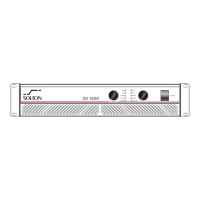
Details input attenuators and the main power switch on the front panel.
Explains the function of various LEDs like Protect, Clip, Signal, Active, Bridge, and Parallel.
Describes rack mounting ears and fan outlet grills on the front panel.
Details XLR inputs, speaker outputs (binding post/Speakon), and AC power input.
Covers rotary controls, filter switch, mode switch, and sensitivity selector.
Explains fuse holder and input ground LFE connection.
Describes the air cooling windows on the rear panel.
Illustrates how to connect speakers in stereo mode using Speakon connectors.
Shows speaker connection for parallel mode using Speakon connectors.
Details speaker connection for bridged mono mode using Speakon connectors.


 To Next Page
 General