EasyManua.ls Logo

Somnetics Transcend Auto - User Manual

Somnetics Transcend Auto
40 pages
Print Icon
To Next Page IconTo Next Page
Loading...
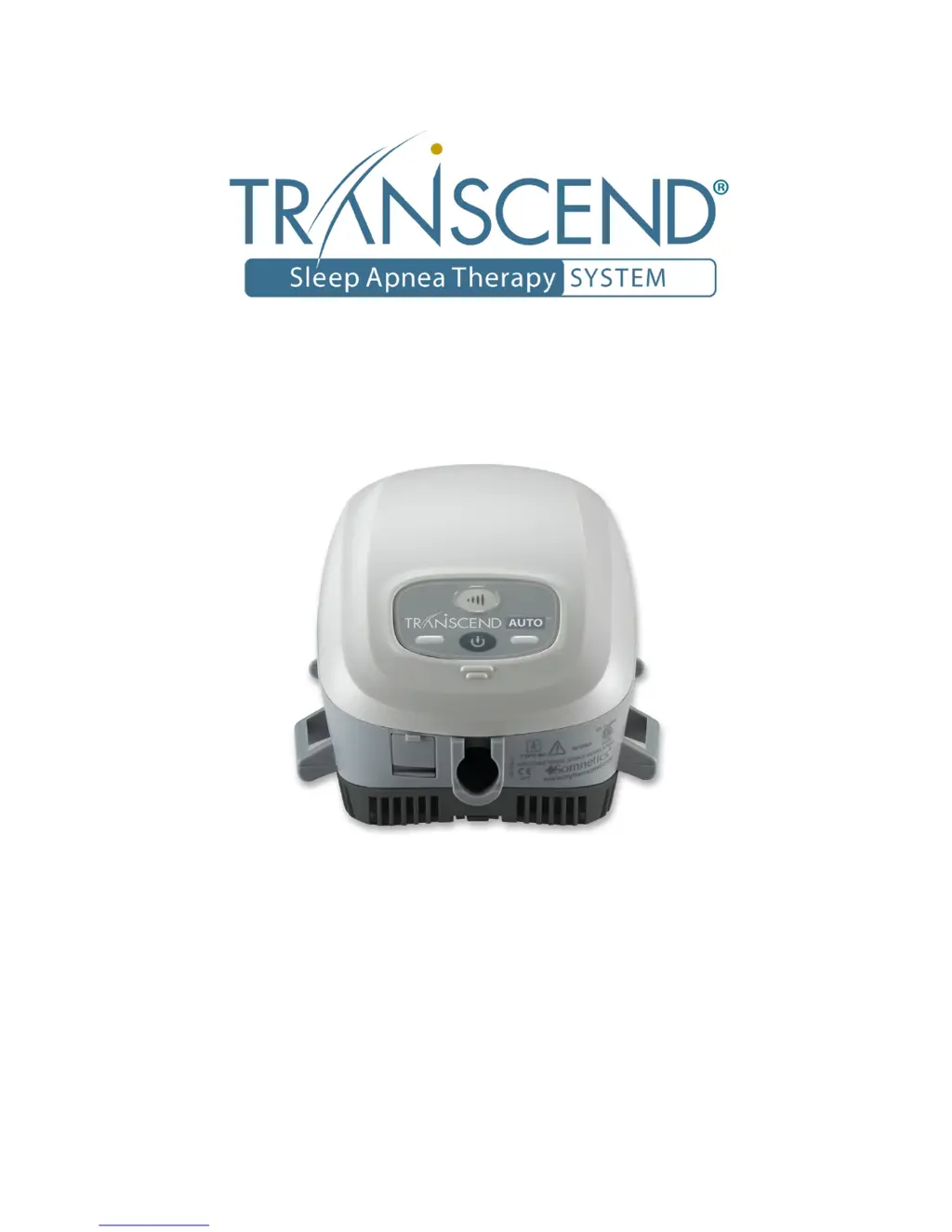
Transcend Auto
TM
User Manual

Table of Contents

Questions and Answers

  • D
    Daniel WelchAug 3, 2025
    What to do if Somnetics Transcend Auto device shuts down during therapy?
    • A
      Alicia AliAug 3, 2025
      If your Somnetics device shuts down during therapy, make sure all external hardware, such as the mask, universal hose adapter, and tubing, are securely connected to ensure a proper seal. Also, replace any external hardware that has exceeded its recommended service life. If the problem continues, contact your homecare provider’s technical service department.
  • J
    James KelleyAug 8, 2025
    Why do I have nose or throat irritation using Somnetics Transcend Auto Personal Care Products?
    • N
      Nicolas TaylorAug 8, 2025
      Nose or throat irritation when using Somnetics Personal Care Products can be due to dry air or a dirty air filter. Try adding humidity to the room or, if you are using the Transcend Heated Humidifier, increase the setting. If you are using the H6B or H9M waterless humidification system, replace the HME. Also, change and/or clean the filter media.
  • W
    wisetimothyAug 14, 2025
    How to relieve discomfort from high pressure with Somnetics Transcend Auto?
    • J
      Joshua BuckAug 14, 2025
      If you're feeling discomfort due to high pressure with your Somnetics Transcend Auto device, it may be set too high. Try breathing slowly through your nose with your mouth closed. Use the ramp pressure, if available. If the pressure remains problematic, contact your homecare provider.
  • K
    Kimberly HallAug 21, 2025
    What does it mean if the yellow fault LED flashes on Somnetics Personal Care Products?
    • S
      sandra19Aug 21, 2025
      If the yellow fault LED flashes on your Somnetics device, it indicates the device has detected an operating error. Note the number of times the yellow fault LED flashes before the flash sequence repeats. Refer to Fault and alert codes for possible correction. If error indication continues after taking corrective action by holding down the power button until the yellow fault led stops flashing, contact your homecare provider’s technical service department.
  • J
    Julian AvilaAug 27, 2025
    What to do if Transcend Auto control panel LEDs don’t flash when connected to power?
    • G
      Gregory GomezAug 27, 2025
      If the control panel LEDs on your Somnetics Transcend Auto device don’t flash or illuminate when the power supply is connected, first check all power connections to ensure they are properly connected. If the issue persists, try using another power outlet, making sure the outlet is not controlled by a wall switch.

Summary

Introduction

Indications for use

Contraindications

Precautions for use

Warnings

Cautions

Symbols

Components of the Transcend Auto

Whats not included (all sold separately)

Description of Transcend Auto components

Transcend Auto Device

The main unit of the Transcend Auto system.

Control panel

Details the pushbuttons and LED indicators on the device.

Power connection jack and USB port

Power connection jack

Connects the DC power source to operate the device.

USB port

Enables data exchange for configuration and compliance information.

Air Inlet Filter

Assembling the Transcend Auto

Powering the Transcend Auto

Using the Multi-plug Universal Power Supply (PSA2)

Using the Transcend P4 or P8 Battery

Using the Transcend P4 or P8 Battery in conjunction with AC line power

Details powering the device using the battery and AC line power together.

Using the Transcend P4 or P8 Battery in conjunction with the Transcend Mobile Power Adapter

Explains how to use the battery with the mobile power adapter.

Explanation of the optional Transcend P4 and P8 Battery LED lights

Charging the Transcend P4 or P8 Battery

Using the Transcend Mobile Power Adapter (MPA1)

Using the Transcend Auto

Standard user modes

Describes the four normal operating modes: Off, Standby, On, and Drying.

Starting therapy

Using the ramp function

Using the EZEX function

Ending therapy

Drying mode

Replacing the Filter Media

Caring for your Transcend Auto and components

Cleaning the exterior

Instructions for cleaning the outer surfaces of the Transcend Auto device.

Cleaning of Accessories

Transcend Base Station

Cleaning schedule and service life for the Transcend Base Station accessory.

Universal Hose Adapter

Cleaning instructions for the Universal Hose Adapter.

Air Supply Tube

Cleaning instructions for the Air Supply Tube.

Cleaning the Filter Media and Filter Frame

Cleaning for Multiple Users

Fault and alert codes

Fault codes

Lists and explains error codes indicated by device LEDs and their potential causes.

Alert codes

Troubleshooting

Appendix: Part numbers

Disposable parts

Lists parts considered disposable and their corresponding part numbers.

Accessories

Lists all available accessories with their part numbers.

Replacement parts

Lists parts that can be replaced and their corresponding part numbers.

Appendix: Specifications

Transcend Auto

Details specifications for the Transcend Auto device itself, including dimensions and weight.

AC power supply - PSA2

Provides specifications for the AC power supply unit.

Mobile power adapter (optional) - MPA1

Lists specifications for the optional mobile power adapter.

Batteries (optional)

Provides specifications for the optional P4 and P8 batteries.

Transcend Auto performance

Manufacturers declaration

Electromagnetic emissions

Details the device's RF emissions and compliance in different environments.

Electromagnetic immunity

Outlines the device's immunity to electromagnetic interference.

Somnetics Transcend Auto Specifications

General IconGeneral
BrandSomnetics
ModelTranscend Auto
CategoryPersonal Care Products
LanguageEnglish