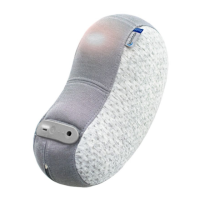
Breathing rate
Somnox 2 relaxes your body and mind by guiding you to a slower breathing rate. By default the breathing rate starts at
a rate of 12 breaths per minute and gradually decreases to 6 breaths per minute. When changing the breathing rate of
the Breathe & Sleep Robot, you first need to change its start rate. We recommend that the start rate matches your own
breathing rate. You can discover your rate by counting the number of breaths you take in one minute. Use a stopwatch
or timer to support you in this process.
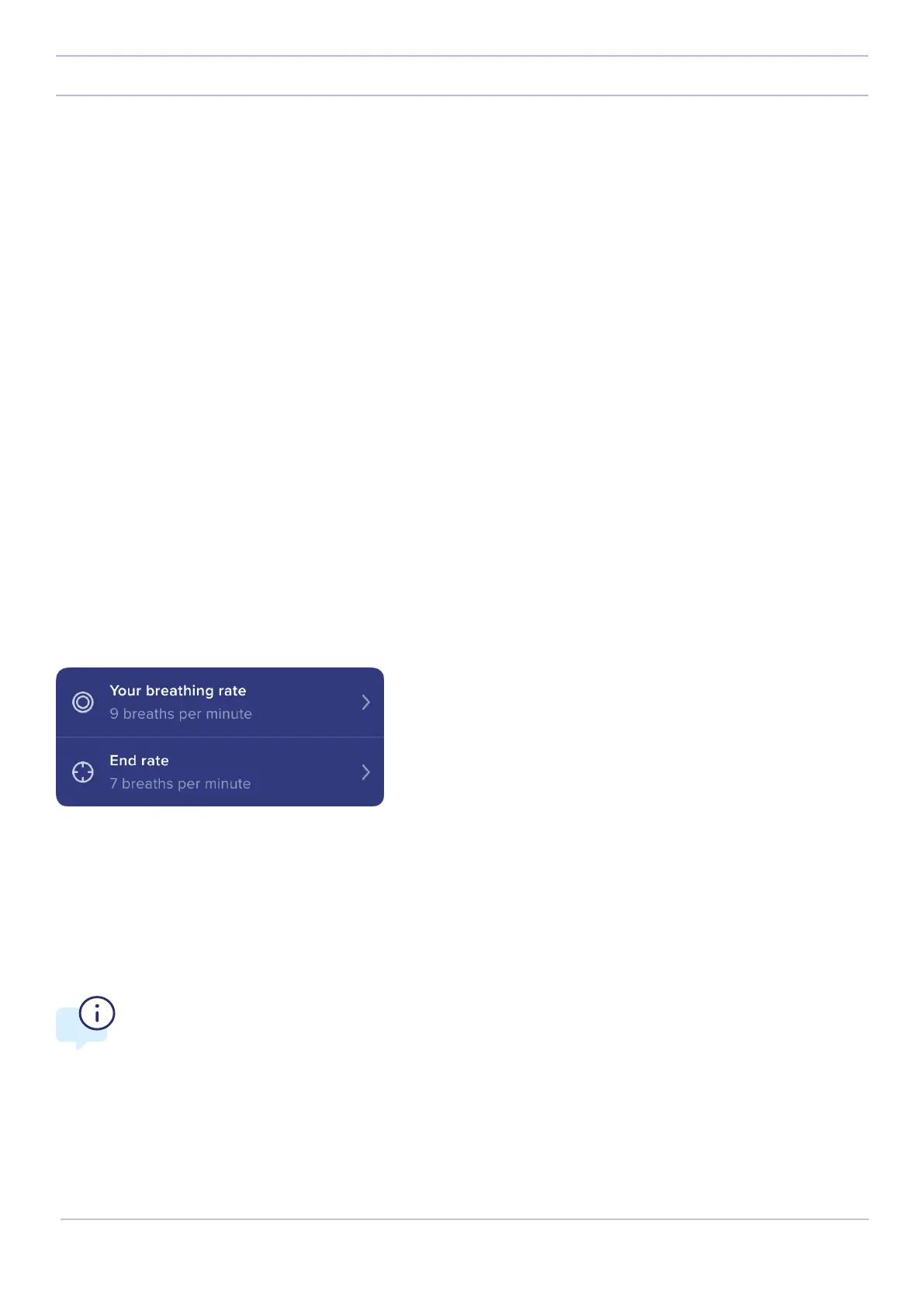
The breathing menu shows the breathing settings that are currently set on the Breathe & Sleep Robot. When using the
app for the first time, the breathing menu will be empty. By default, Somnox 2 starts with a breathing rate of 12 breaths
per minute. It will slowly guide you to 6 breaths per minute. It has a breathing ratio of 1:2 (meaning that it will exhale
twice as long as inhale). The duration of the program is 60 minutes. To adjust these settings you need to create your
own breathing program. Tap on the breathing menu. The app will guide you through the process of creating a program.
When making your program, you can adjust the breathing rate, the breathing ratio and the duration of the program. We
will go through each of these options one by one in more detail.
Breathing-menu
Somnox Sense
Somnox Sense is a patented feature of Somnox. The Breathe & Sleep Robot has smart sensors that can detect your
breathing pattern. When enabling Somnox Sense, your Somnox 2 will automatically select a breathing rate and ratio for
you. This means your Somnox 2 will automatically adjust to you.
NOTE:
If Somnox Sense is not visible in the app, your Somnox 2 might run on an older software version.
Please update your Somnox to enable this feature.
19
Somnox © 2021
The mobile app


 To Next Page
 Loading...