EasyManua.ls Logo

Songmics LSD018 - User Manual

Songmics LSD018
38 pages
Print Icon
To Next Page IconTo Next Page
Loading...
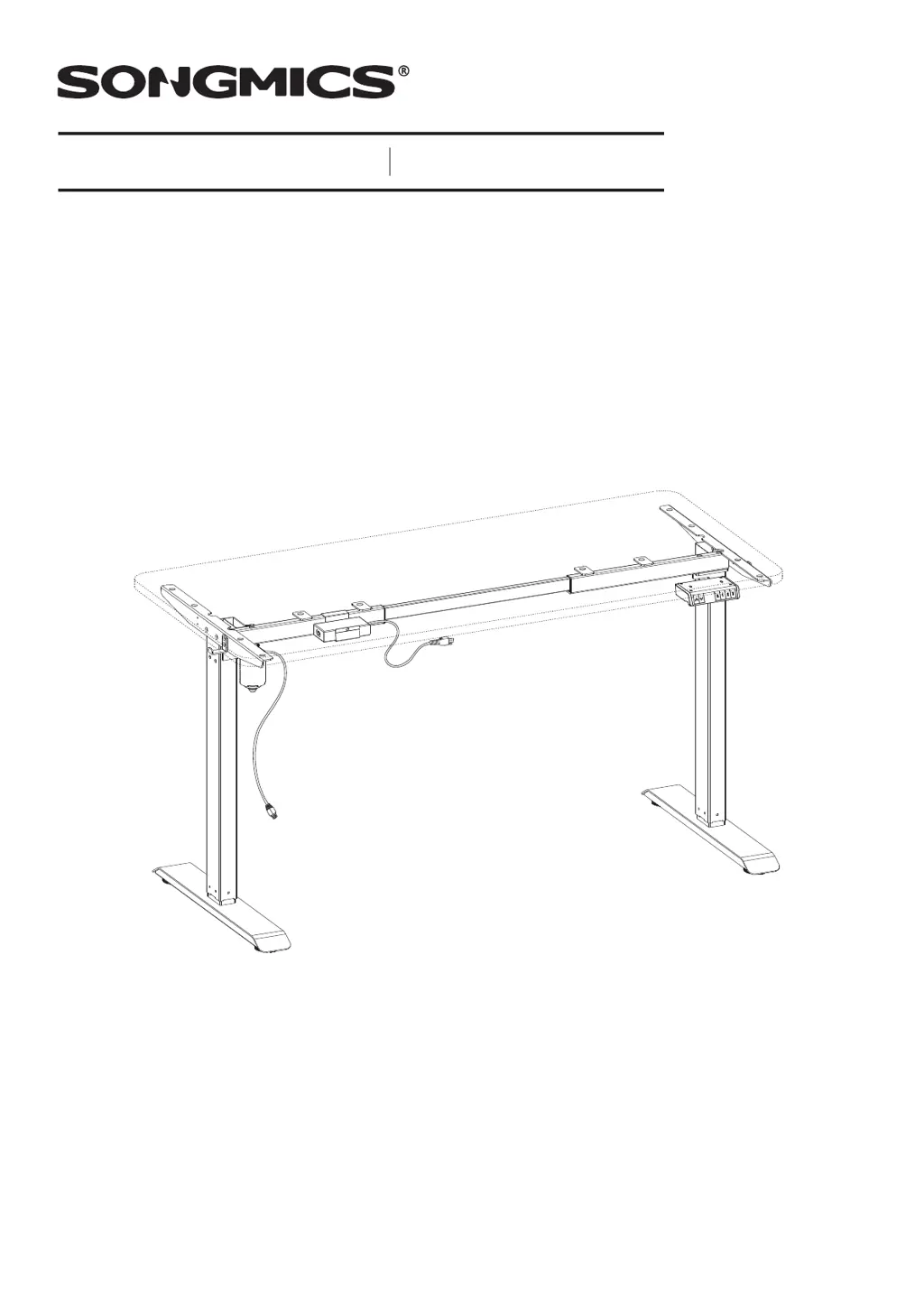
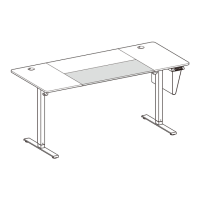
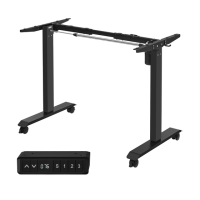
LSD018/101/102
Standing Desk
Höhenverstellbarer Schreibtisch
107522S

Questions and Answers

  • M
    Megan GonzalezAug 3, 2025
    What to do if my Songmics LSD018 is overloaded?
    • K
      Katherine JenkinsAug 3, 2025
      If your Songmics Indoor Furnishing is overloaded, make sure that the weight is evenly distributed on the desktop. You may also need to remove some items to decrease the weight.
  • J
    Jordan WolfeAug 8, 2025
    What to do if my Songmics LSD018 shows an anti-collision alert?
    • R
      Ryan RiceAug 8, 2025
      If your Songmics Indoor Furnishing displays an anti-collision alert, check that the controller is installed horizontally under the desk. Make sure the controller's screws and the tabletop are tightly fastened, ensuring the controller doesn't wobble during operation. Additionally, remove any obstacles that may be triggering the alert.
  • M
    melissamooreAug 12, 2025
    What to do if my Songmics LSD018 desktop is sloping?
    • Y
      yoderpaulAug 12, 2025
      If your Songmics Indoor Furnishing desktop is sloping, first, check that the controller is mounted horizontally under the desk and that its screws are tight, ensuring it doesn't wobble. Also, check for any height difference between the two legs to confirm they are adjusted to the same height.
  • C
    Charles GarrettAug 16, 2025
    What to do if my Songmics LSD018 Indoor Furnishing shows a reset alert?
    • K
      Kevin PerkinsAug 16, 2025
      If you see a reset alert on your Songmics Indoor Furnishing, reset the system.
  • M
    Matthew AtkinsonAug 20, 2025
    What to do if my Songmics Indoor Furnishing motor has a fault?
    • G
      gonzalessamuelAug 21, 2025
      If your Songmics Indoor Furnishing motor is faulty, restore it to the factory setting.
  • A
    angelablanchardAug 25, 2025
    What to do if my Songmics Indoor Furnishing has a problem with the cable connection?
    • S
      Sherry HornAug 26, 2025
      If you're experiencing cable connection issues with your Songmics Indoor Furnishing, check if the motor cable is correctly connected to the M1 connector of the controller and to the motor itself. Also, inspect the motor cable for any damage or crushing.
  • K
    Kimberly VasquezAug 29, 2025
    How to fix a controller fault in Songmics LSD018 Indoor Furnishing?
    • J
      Johnathan MedinaAug 29, 2025
      To address a controller fault in your Songmics Indoor Furnishing, replace the controller.

Summary

Setting & Use

Safety Information

Read guide, avoid hazards, contact seller for missing parts. Ensure screws fit desk thickness.

System Reset

Reset the system by holding the 'J' button until the desk reaches the lowest position and beeps.

Normal Height Adjustment

Adjust height by pressing and holding the '↑' or '↓' buttons until the desired height is reached.

Memory Function Settings

Memorize desired heights by pressing 'S' then a number button (1, 2, or 3).

Restore Factory Settings

Restore factory settings by holding '↑' and 'J' buttons for 10 seconds until a beep.

Height Limit Adjustment

Set or deactivate height limits by holding '↑' and '↓' or '↑' and 'J' buttons for 5 seconds.

System Operation and Safety

Lock;Unlock System

Lock or unlock the system by holding 'S' with '↑' (lock) or 'J' (unlock) buttons for 5 seconds.

Sedentary Alert Function

Set sedentary reminders by pressing '1' and '3' then adjusting time with '↑'/'↓' buttons.

Anti-Collision Sensitivity

Adjust anti-collision sensitivity ('S' button) from 0 (off) to 8 (high) using '↑' or 'J'.

Error Code & Troubleshooting

General Guidelines

Important Notes

Safety Warnings

Songmics LSD018 Specifications

General IconGeneral
BrandSongmics
ModelLSD018
CategoryIndoor Furnishing
LanguageEnglish

Related product manuals