SonicWallSMAConnectTunnel12.0DeploymentPlanningGuide
AboutSonicWallSMAConnectTunnel
14
SetupWizard
SetupWizardstreamlinestheinitialconfigurationoftheappliance.Itguidesyouthroughtheprocessof
selectingbasicnetworksettings,configuringapplianceoptions,definingresources,creatinglocalusersfor
testingpurposes.
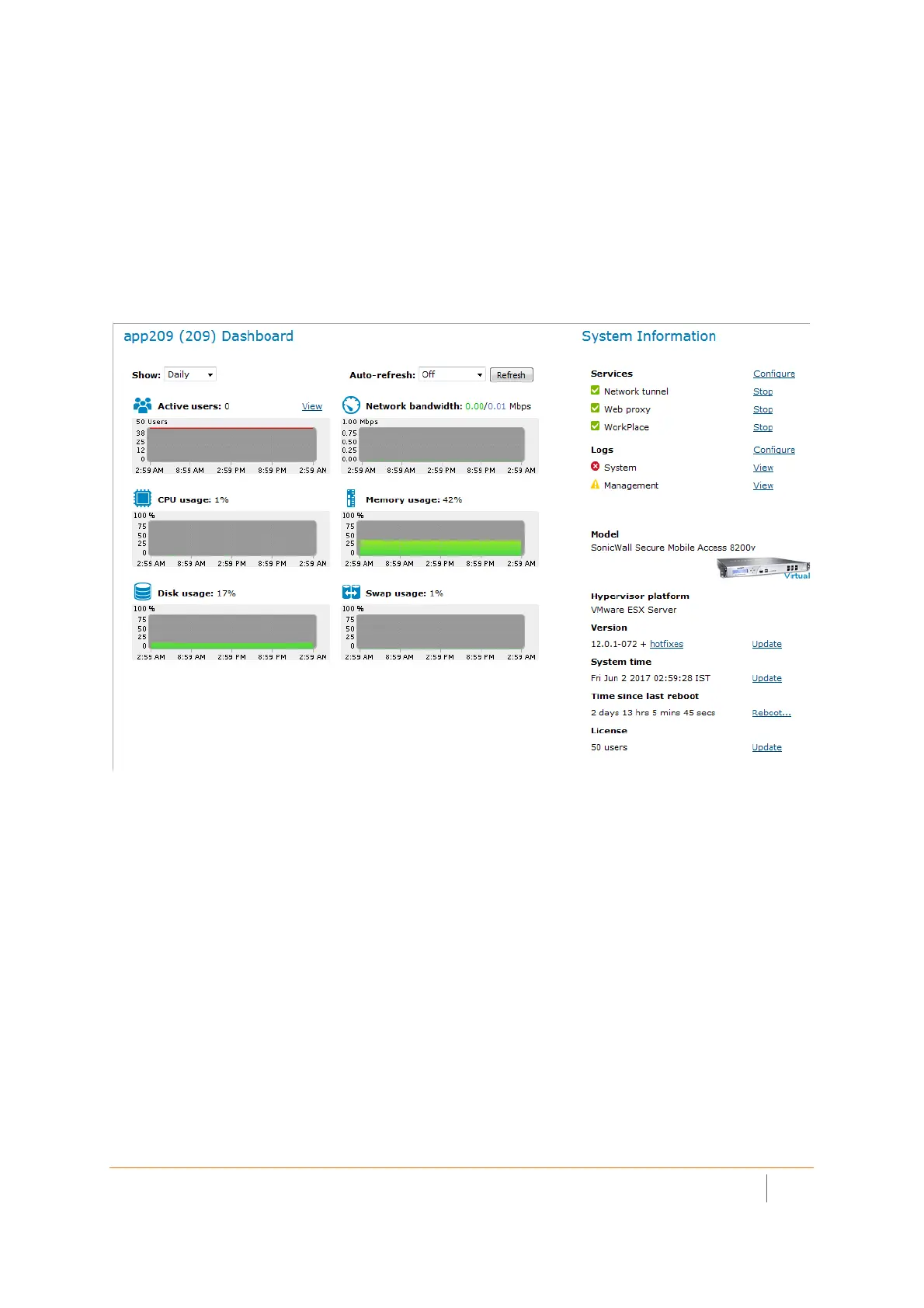
ApplianceManagementConsole(AMC)
TheAMCisaWeb‐basedadministrativetoolformanagingtheappliance.Itprovidescentralizedaccessfor
managingsecuritypolicies,configuringthesystem(includingnetworkingandcertificateconfiguration),
distributingconfigurationdata,monitoring,troubleshooting,andsettingupadministratoraccounts.
AccessServices
Theapplianceusesvariousaccessservicestomanagetheaccessclientsandagentsthatusersemployto
connecttoyournetworkresources:
•Thenetworktunnelserviceisanetworkroutingtechnologythatprovidessecurenetworktunnelaccess
toawiderangeofapplicationsandprotocols,includingnon‐TCPprotocolssuchas
VoIP(VoiceoverIP)
andICMP,reverse‐connectionprotocolslikeSMS,andbi‐directionalprotocolssuchasFTP.Itworksin
conjunctionwiththeConnectTunnelclientandtheOnDemandTunnelagenttoprovideauthenticated
andencryptedaccess.
•TheWebproxyserviceprovidesuserswithsecureaccesstoWeb‐basedapplications
andser versfroma
Webbrowser,orWeb‐basedapplicationsandserversfromaWindowsMobile‐powereddeviceusingthe
MobileConnectclient.TheWebproxyservicecontainsasecureHTTPreverseproxythatbrokersand
encryptsaccesstoWeb‐basedresources.
•TheWorkPlaceservicecontrolsaccesstoWorkPlaceresources
accessedfromaWebbrowser.The
WorkPlaceservicecommunicateswithWindowsfileserversandnetworkshares(includingMicrosoft
Distributedfilesystem,orDFS,resources)usingtheServerMessageBlock(SMB)file‐sharingprotocol.














 To Next Page