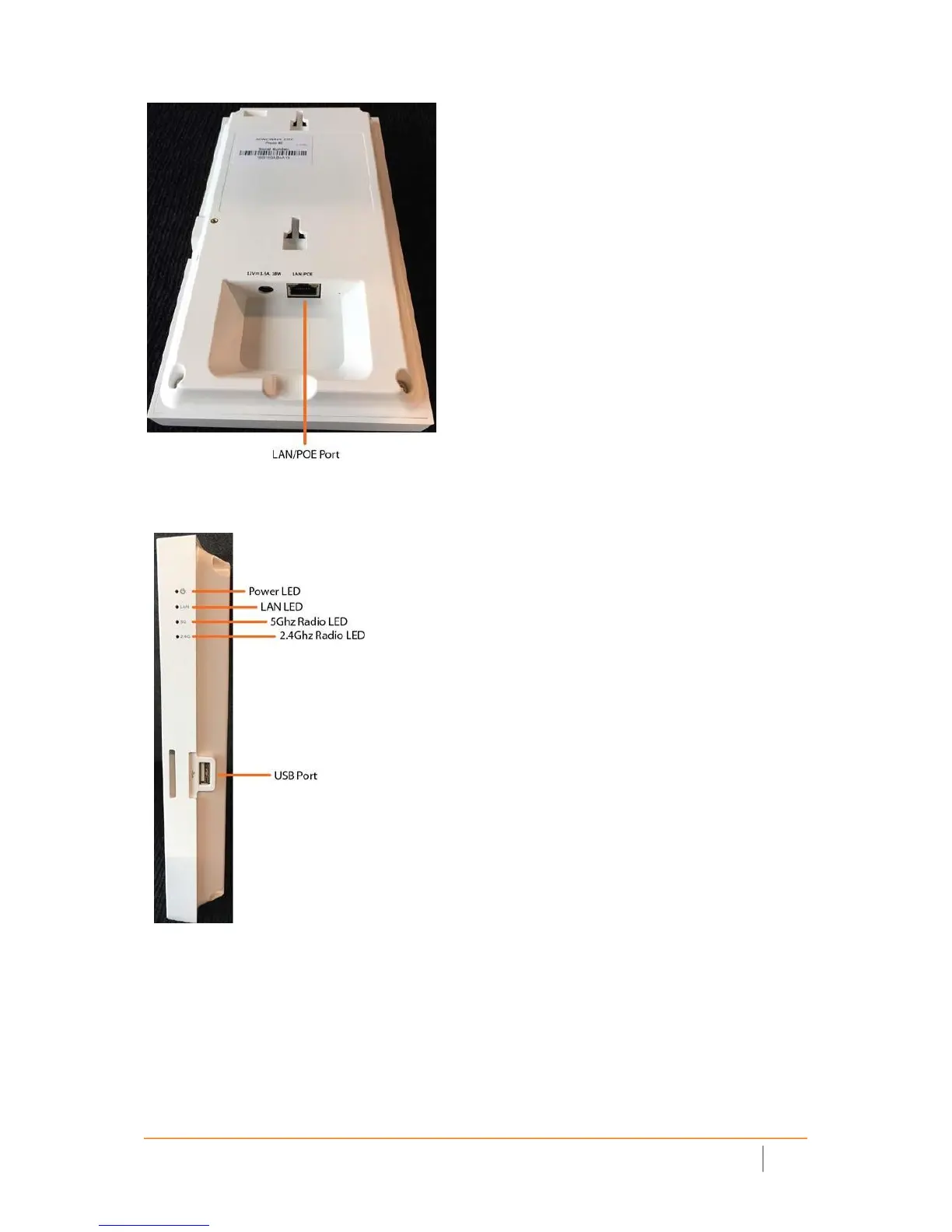
The side panel of the SonicWave 231c has the LED indicators and the USB port.
SonicWave 231c Side Panel
Connecting PoE to the SonicWave 231c
The SonicWave 231c is powered through Power over Ethernet (PoE), and should be connected with CAT5e or
higher rated Ethernet cabling (max length 100 meters). A multi‐gigabit 802.3at compliant PoE injector or
PoEcapable switch is required to provide power to the SonicWave 231c.
To connect a PoE injector to the SonicWave 231c:



 To Next Page