SONG
The Lo-12 XT has a song function that allows patterns that
have been created to be specied and played back consecutively.
The number of repetitions, the number of bars in each pattern
and the tempo can be specied as desired to create a musical
composition.
Playing songs
1
Press
func
+
COPY
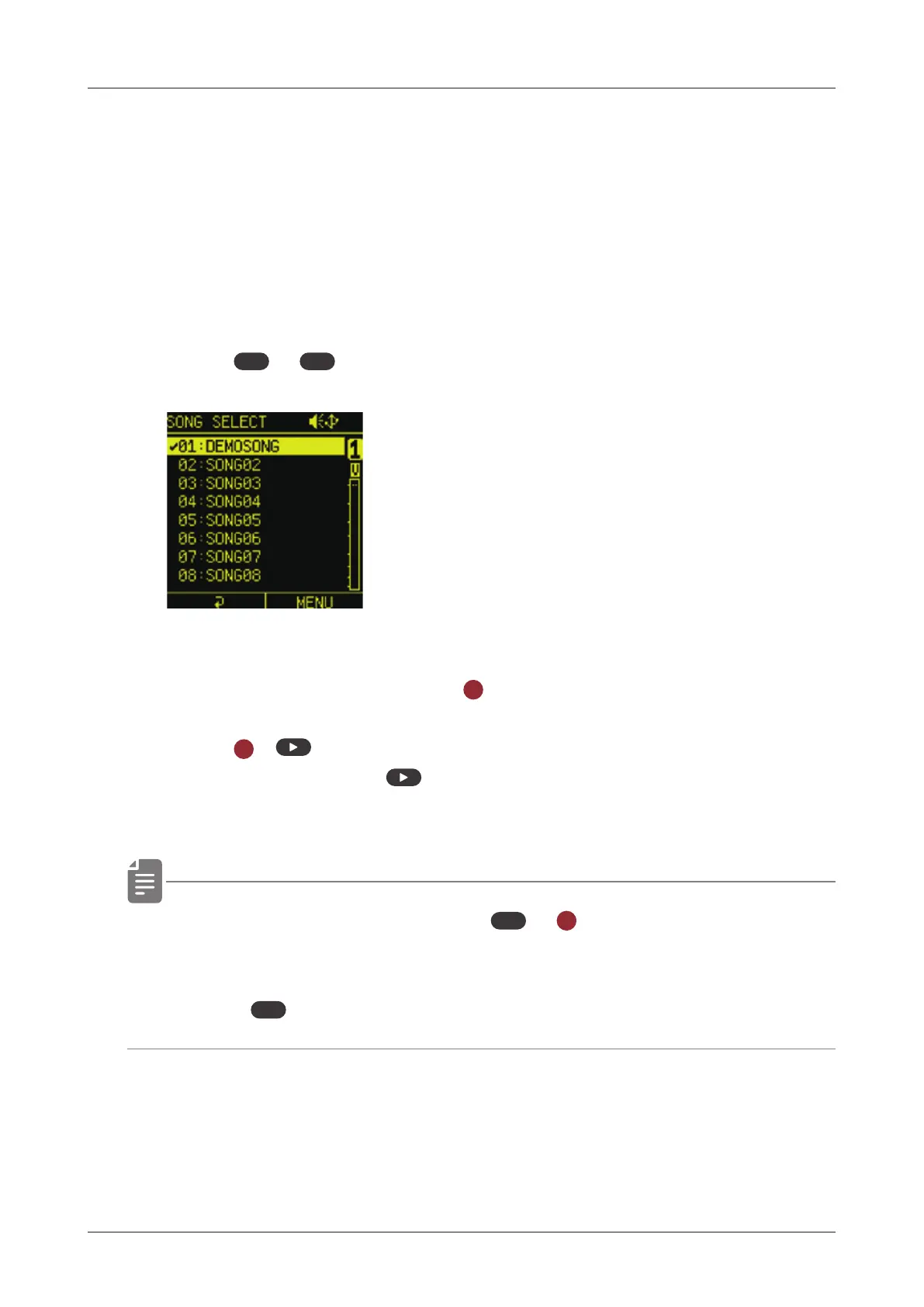
song to open the SONG SELECT menu.
2
Select a song and press the
OK
button.
3
Press
OK
+
to play the SONG.
While playing a song,
button lit yellow.
• While a song is playing, press
PTN
+
OK
to loop playback of the
pattern (PTN is lit yellow).
• Press
PTN
again to return to song playback.
113



 To Next Page