SONG
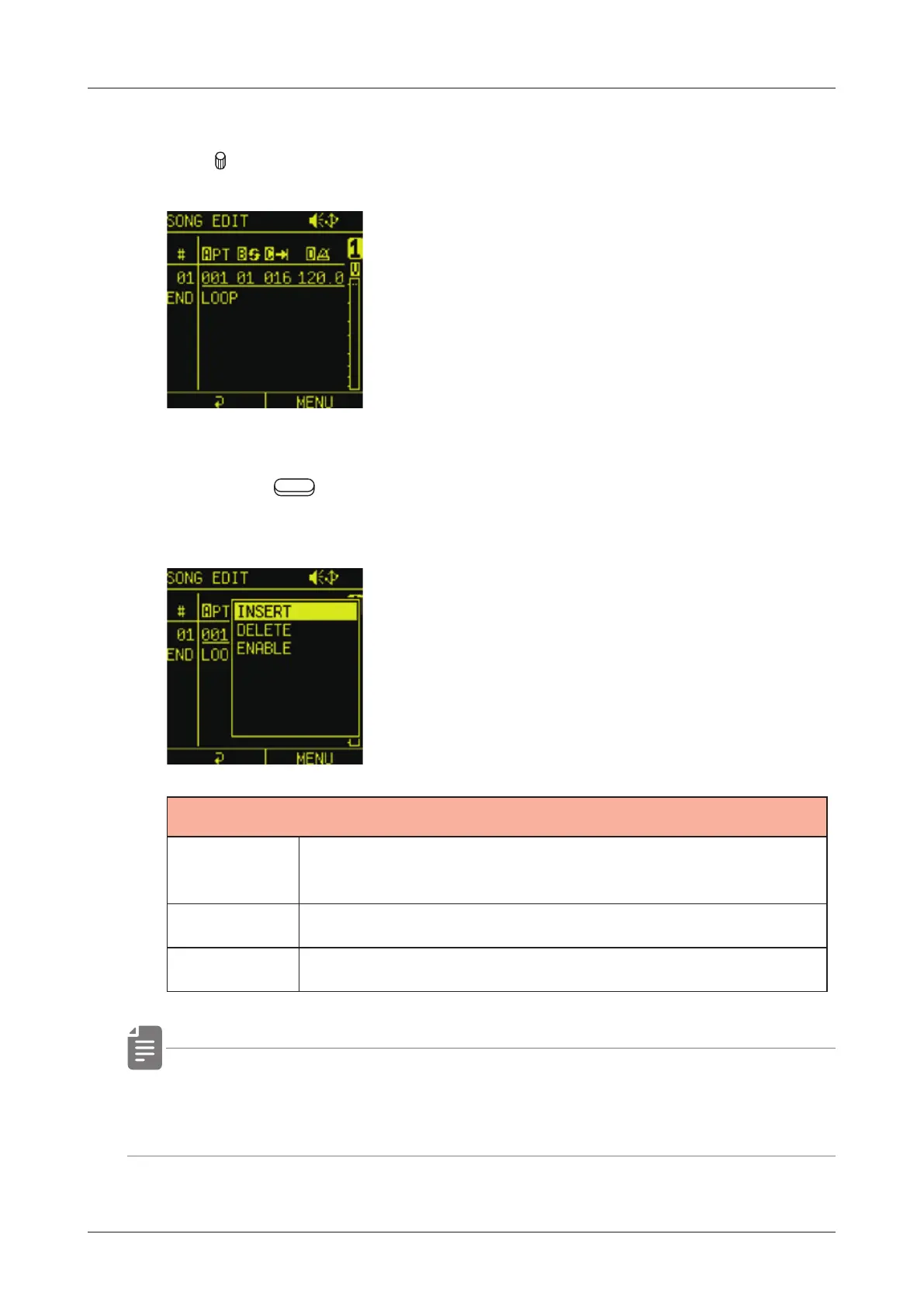
SONG EDIT operations
1
Use A - D to edit patterns.
2
Press the
Auxiliary right button to insert, delete and enable/
disable patterns.
SONG EDIT MENU
INSERT
Inserting a new Pattern after the selected
Pattern.
DELETE Deleting the selected Pattern
ENABLE Disabling the selected Pattern
• Up to 99 of the patterns that are saved in the one song can be
added.
116



 To Next Page