SONG
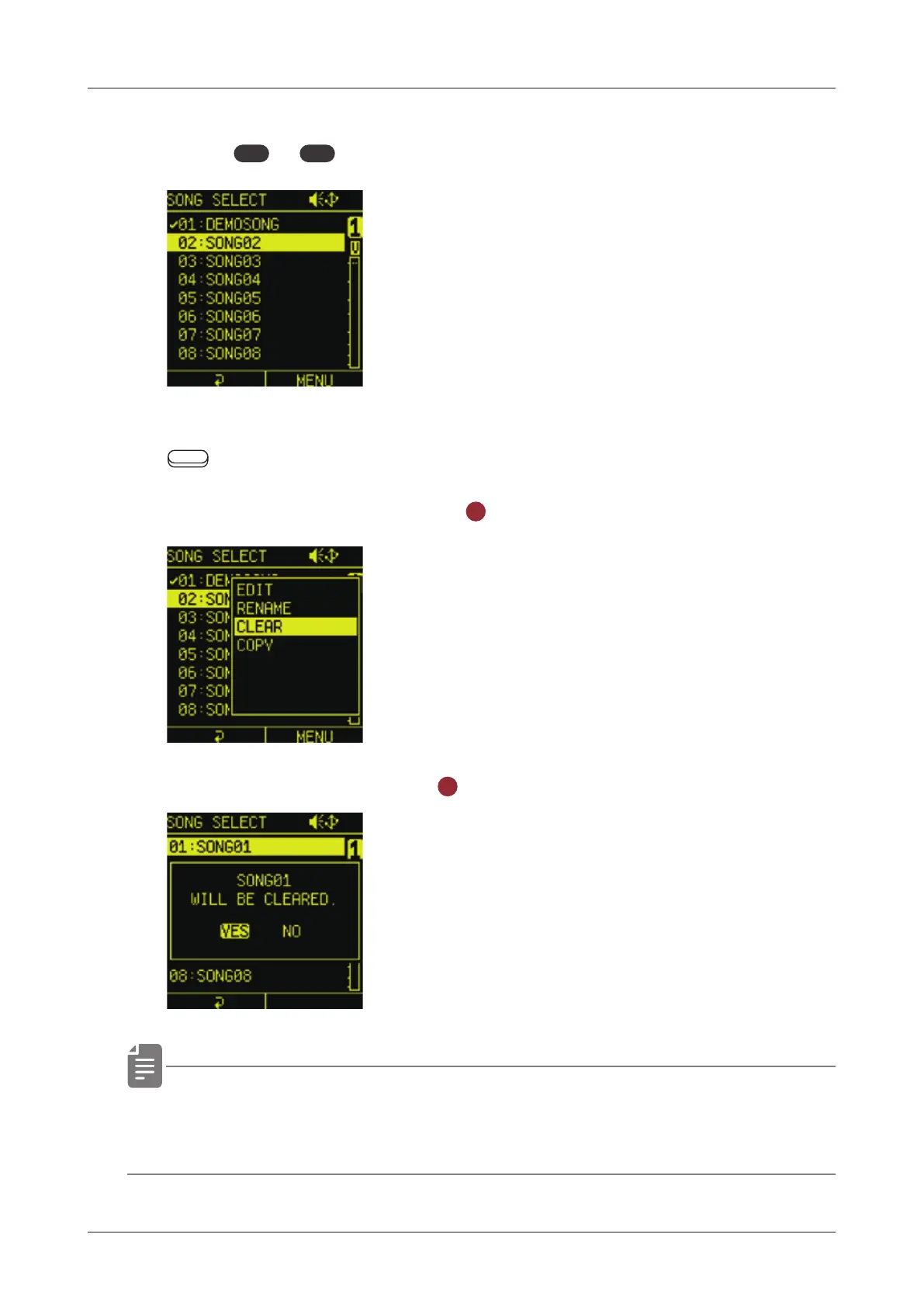
Clearing songs
1
Press
func
+
COPY
song to open the SONG SELECT menu.
2
Move the cursor over the song you want to clear, and press the
Auxiliary right button MENU.
3
Select CLEAR and press the
OK
button.
4
Select YES and press the
OK
button.
• Use this operation with caution because clearing a song will
delete it from the project and this cannot be undone.
119



 To Next Page