Managing Projects
The project menu allows you to save and delete projects, manage
sample slots, and convert audio les.
Select and execute the menu as required.
Press
func
+
PAD
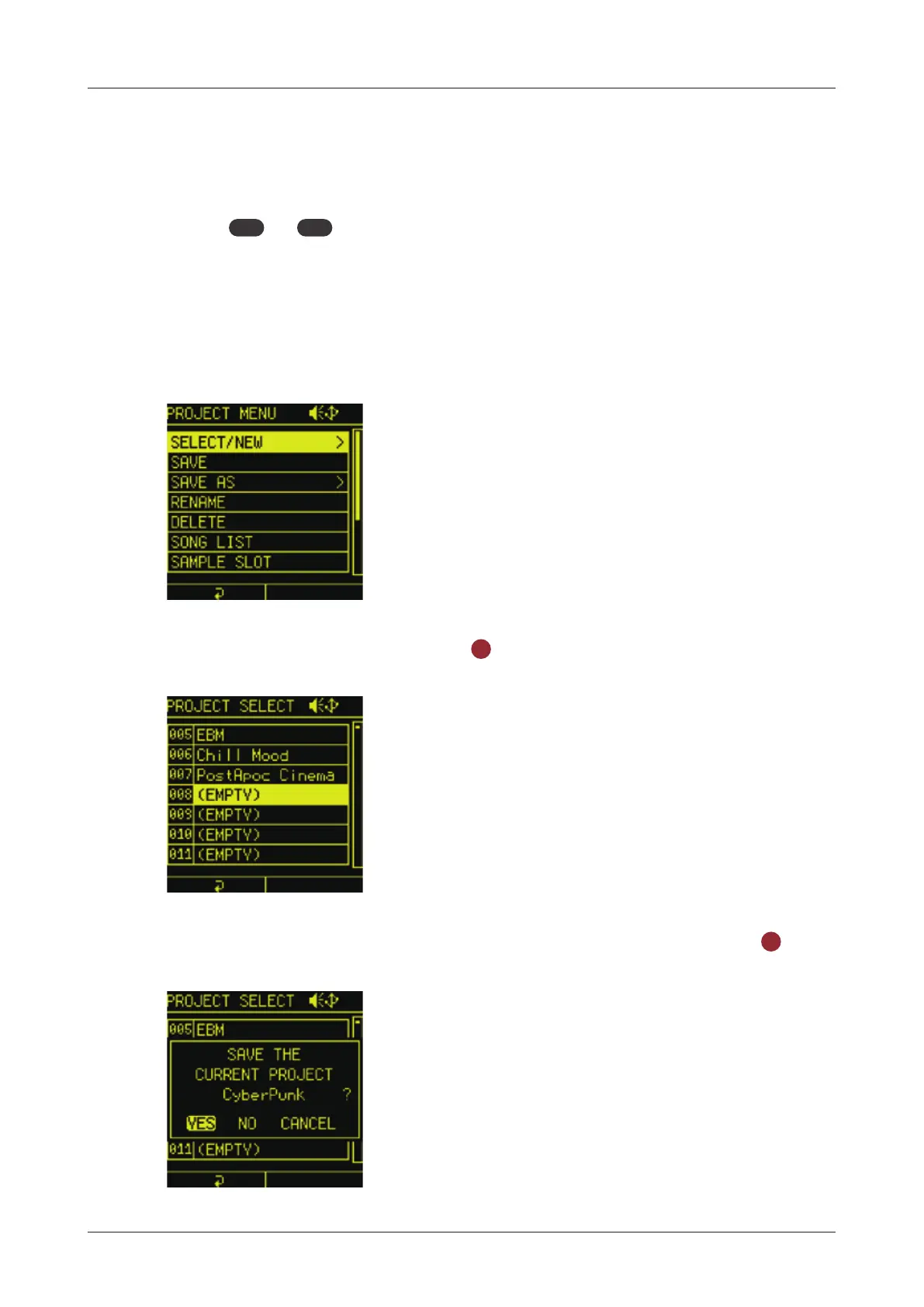
project to open PROJECT MENU.
Creating new projects
1
In the PROJECT MENU, select SELECT/NEW.
2
Select EMPTY and press the
OK
button.
3
Select YES in case to save current project, and press the
OK
button.
121



 To Next Page