Managing Projects
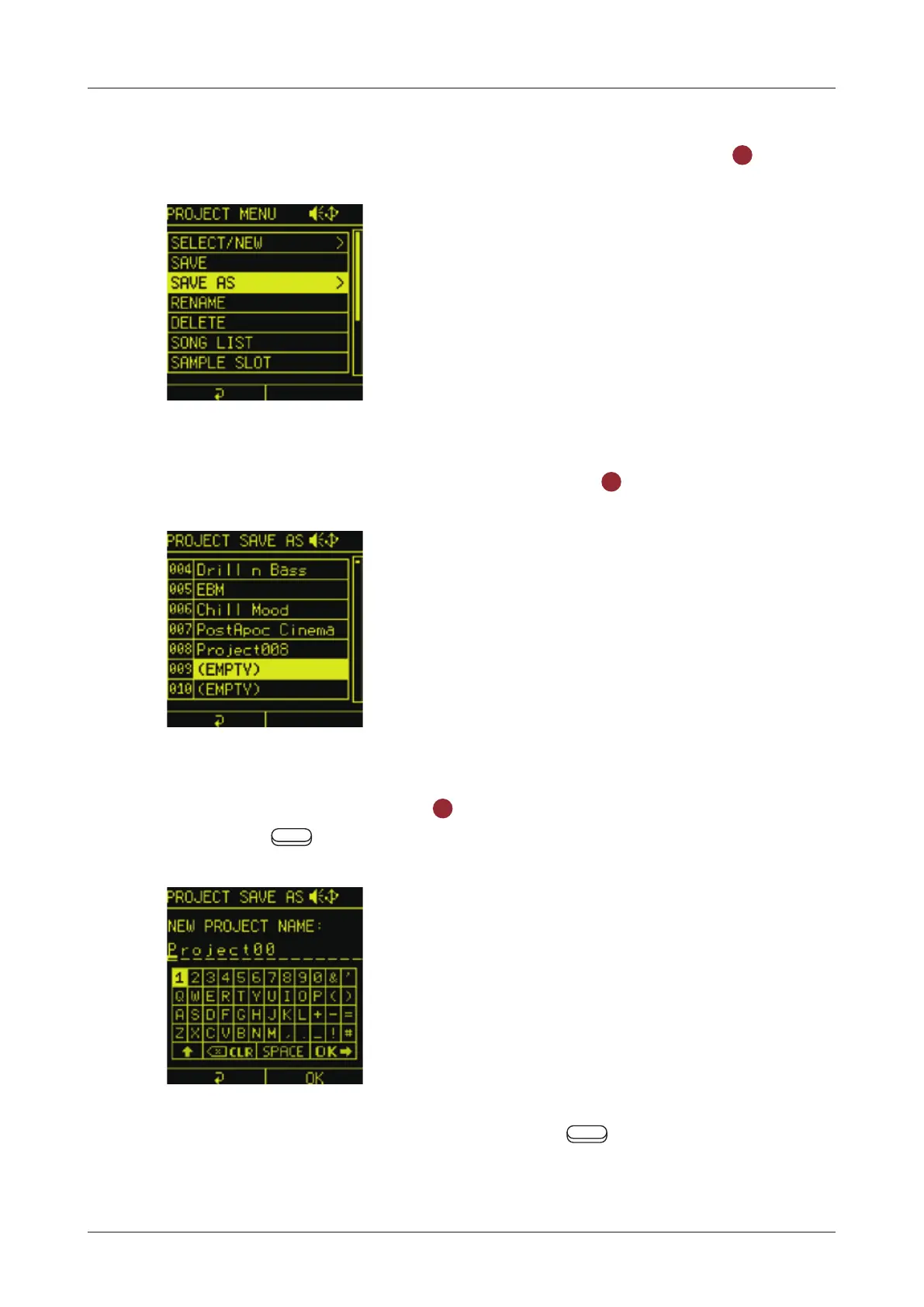
Saving as a dierent project
1
In the PROJECT MENU, select SAVE AS and press the
OK
button.
2
Select the save destination and press the
OK
button.
3
Use the direction and the
OK
button to change the name. Then
press the
Auxiliary right button OK.
If you want to cancel saving, press the Auxiliary left button
Back.
123



 To Next Page