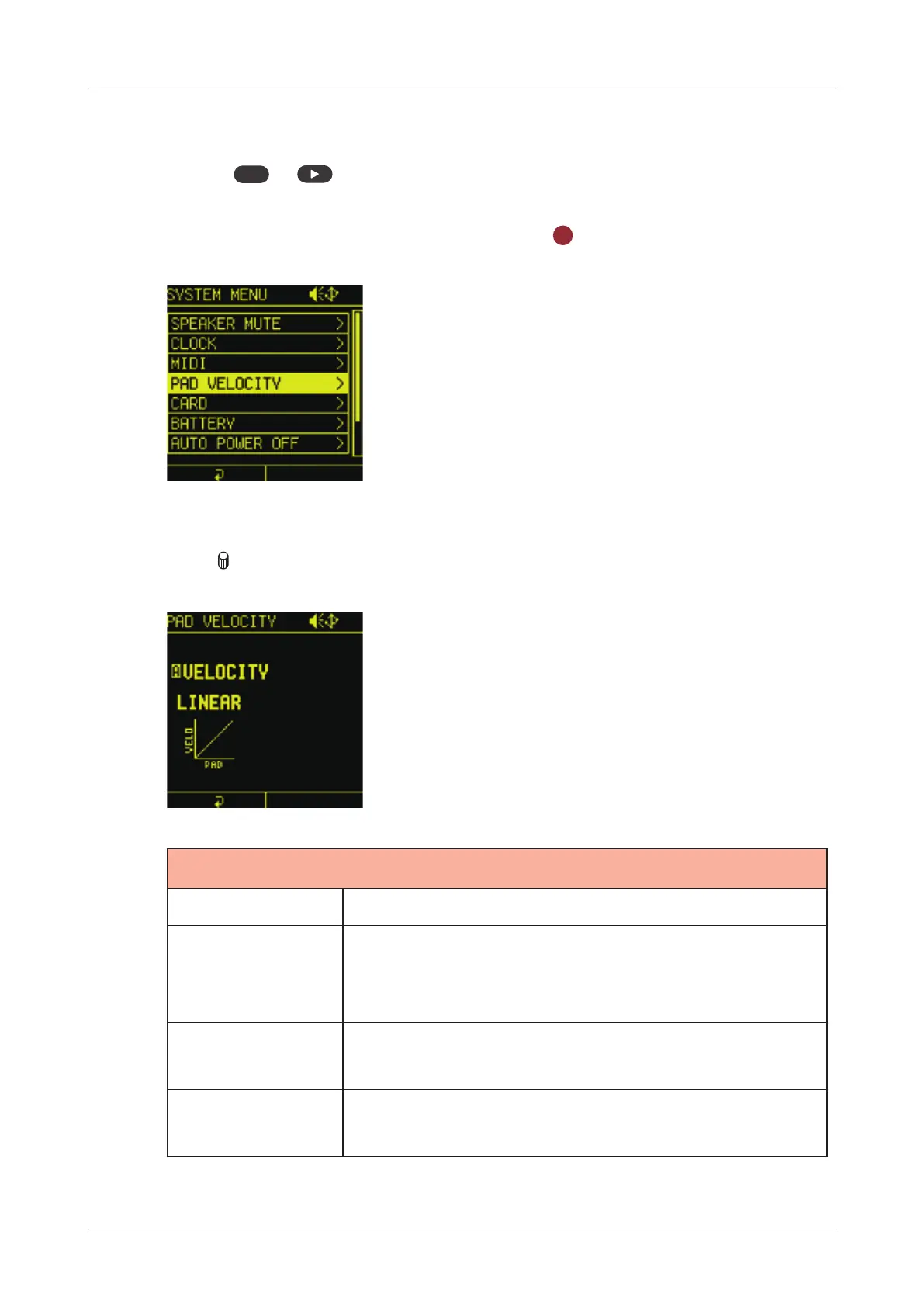
Pad sensitivity setting
Setting pad velocity curve.
1
Press
func
+ system to open the SYSTEM MENU.
2
Select PAD VELOCITY and press the
OK
button.
3
Turn A knob to adjust it.
PAD VELOCITY
1 - 127 Velocity is always at this xed value.
SOFT
This is best for people who play with a light
touch. The sound will be loud even when
tapped lightly.
LINEAR
The velocity will change linearly in response
to how hard the LED pads are tapped.
HARD
This is best for people who play with a heavy
touch.
137



 To Next Page