Firmware updates
The Lofi-12 XT firmware can be updated by connecting the Lofi-12
XT to a PC or Mac by USB and transferring an update le.
1
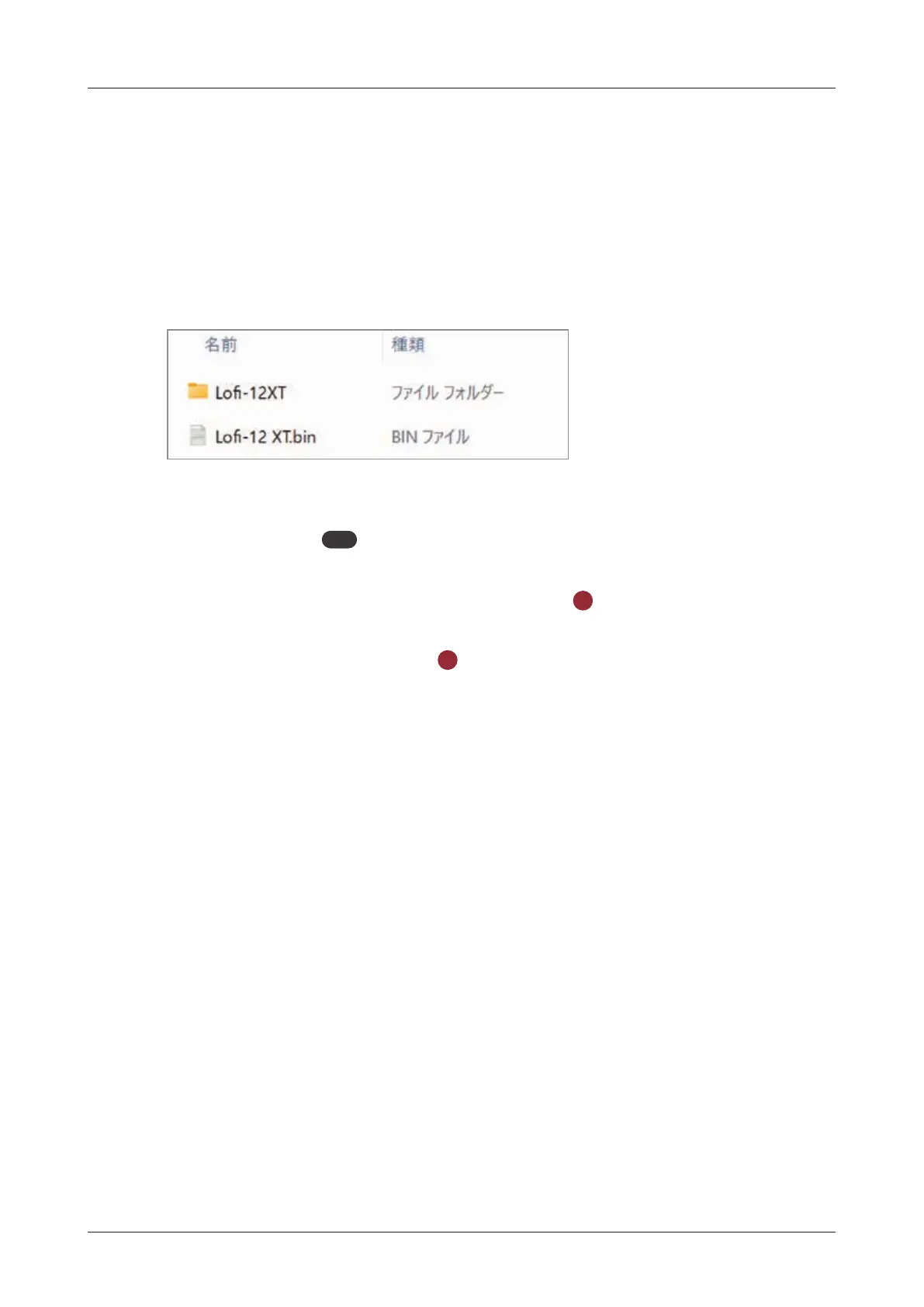
Copy the downloaded rmware (.bin) to the root folder on the
card.
2
While pressing
PAD
, press and hold the power button.
3
Select SYSTEM UPDATE and press the
OK
button.
4
Select YES and press the
OK
button to start the update.
5
After it completes, press the power button to shut the unit down.
Then, restart it.
146



 To Next Page