Track Operations
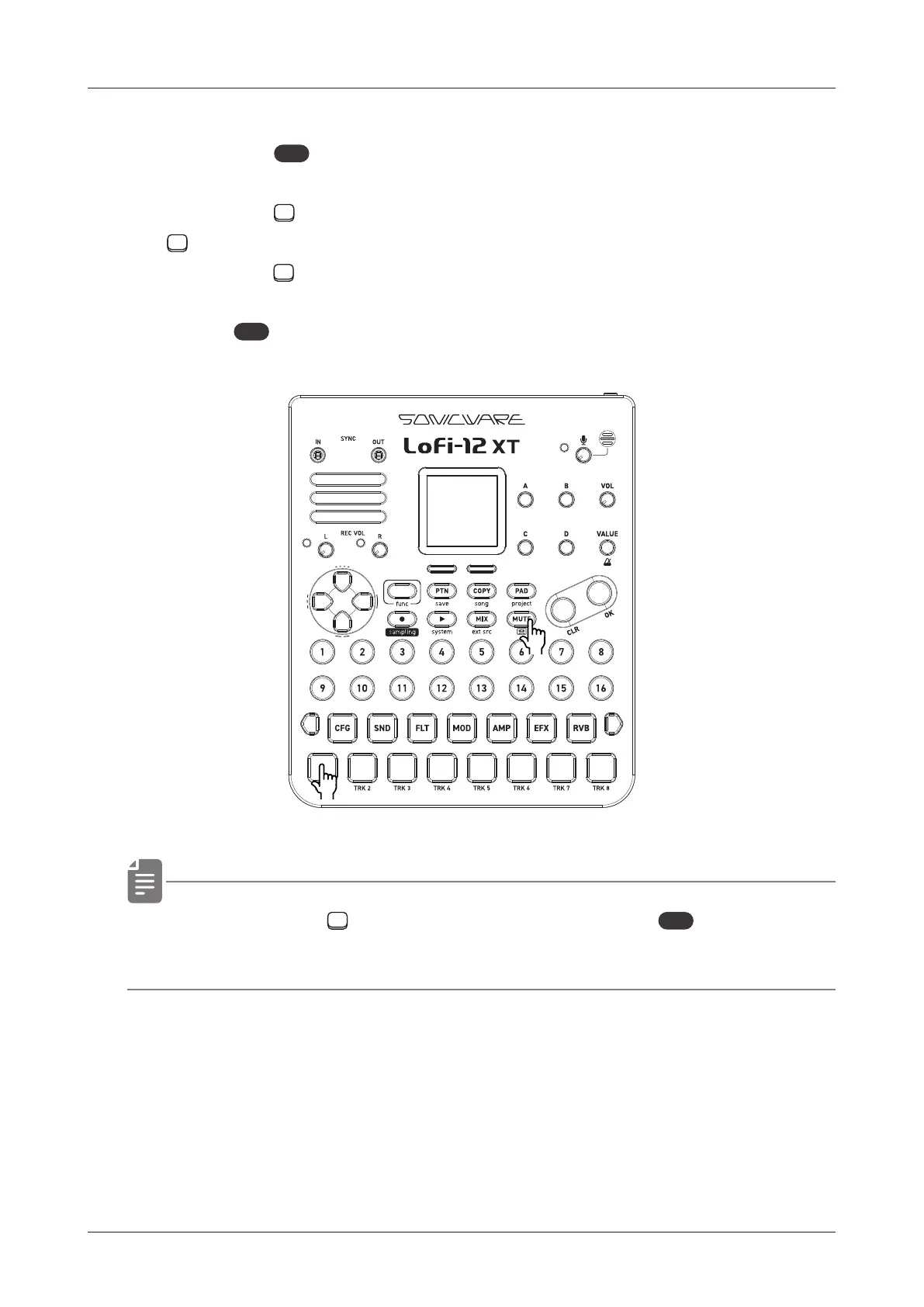
Muting tracks
1
Press the
MUTE
button.
2
Press the
TRACK PAD(s) you want to mute.
TRACK PAD(s) for muted tracks light yellow.
Press the
TRACK PAD(s) lit yellow to unmute that track(s).
3
Press
MUTE
(lit yellow)to exit MUTE mode
• By pressing a TRACK PAD while holding the
MUTE
button, the
selected track can be muted/unmuted directly.
29
●❷
●❶
●❸



 To Next Page