Sample File Setup - Loading into Sample Slots -
SAMPLE POOL operations
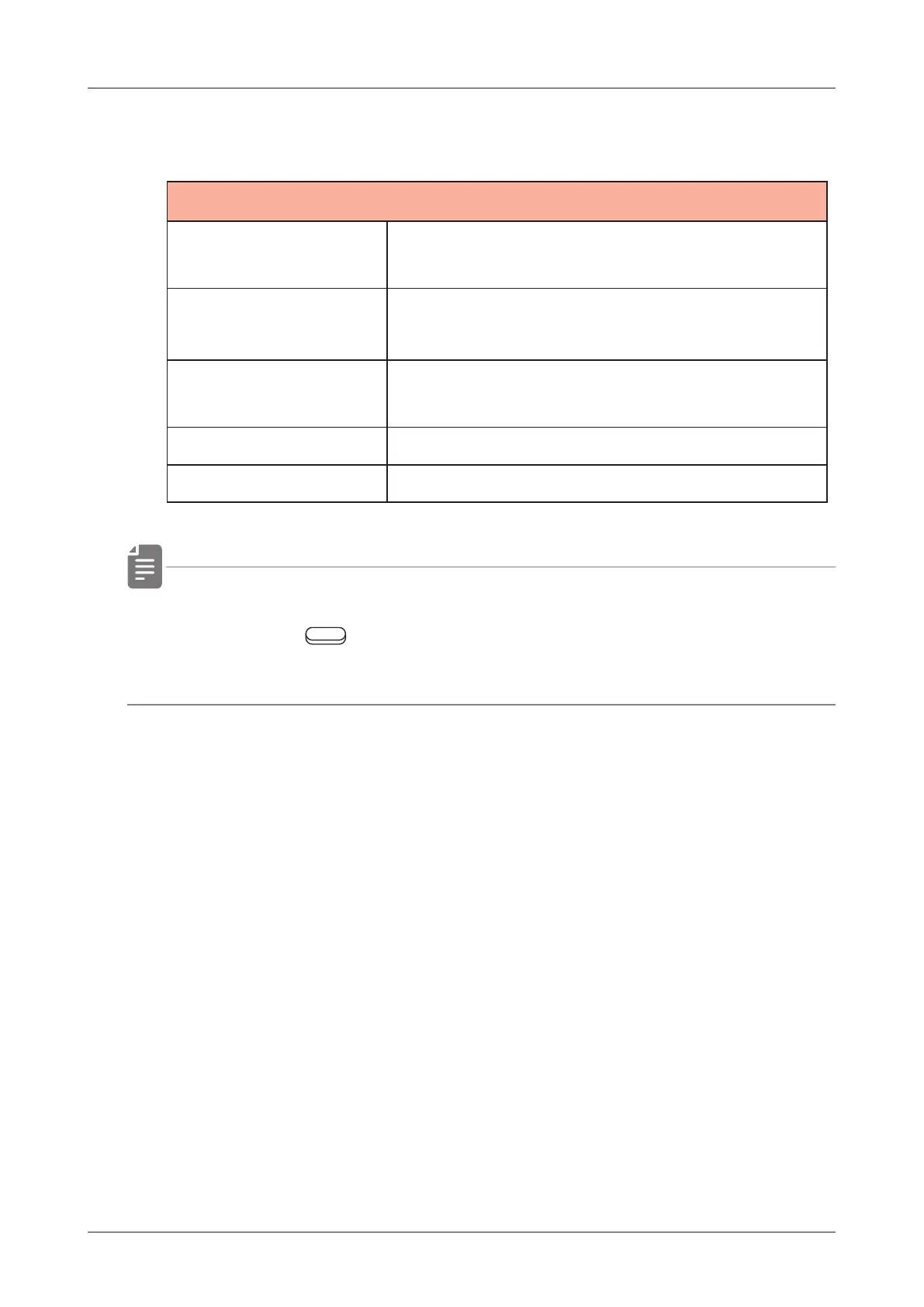
SAMPLE POOL MENU
LOAD SELECTED
This will load the selected sample into
the track/sample slots.
FILE NAME
SEARCH
This will search for le names within the
displayed folder.
SELECT ALL
This will select all samples in the
displayed folder.
DESELECT ALL This will cancel selection of samples.
DELETE This will delete the selected sample.
• If a folder is opened in SAMPLE POOL and with to TAG SEARCH
by pressing
Auxiliary left button TAGS, only les in the
folder can be targeted for TAG SEARCH.
55



 To Next Page