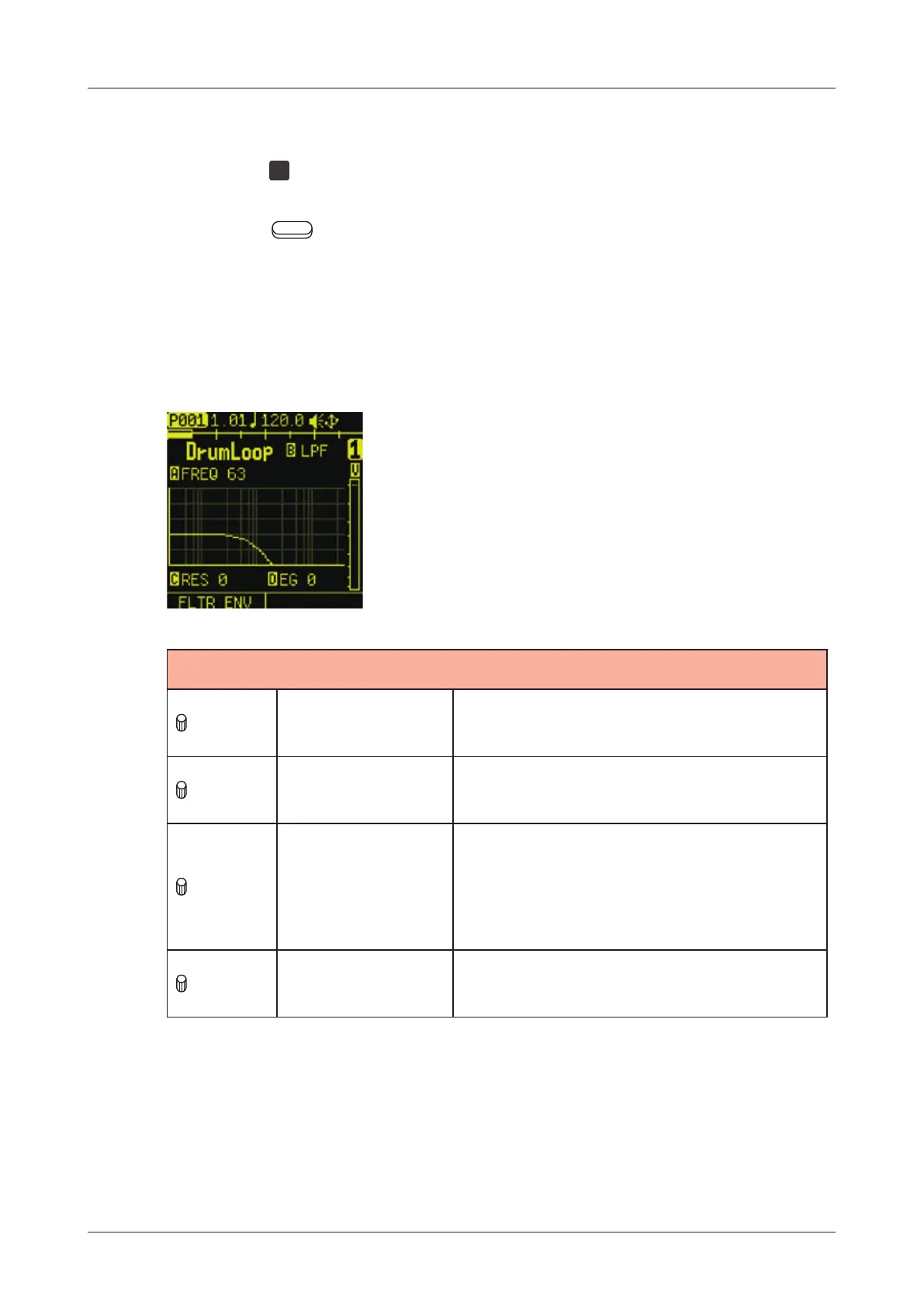
FILTER page
The FILTER page is used to set lter on the track.
Press the
FLT
pad to open the FILTER page.
Press the Auxiliary buttons as necessary to open the desired
parameter page for editing.
Editing lter
FILTER
A knob FILTER FREQ
0 - 127:
Cuto frequency
B knob FILTER TYPE
OFF, LPF, HPF, BPF:
Filter type selection
C knob
FILTER
RESONANCE
(BPF:BAND
WIDTH)
0 - 127:
Filter resonance
If BPF is selected, this will be
bandwidth.
D knob EG DEPTH
0 - 127:
Envelope modulation depth
74



 To Next Page