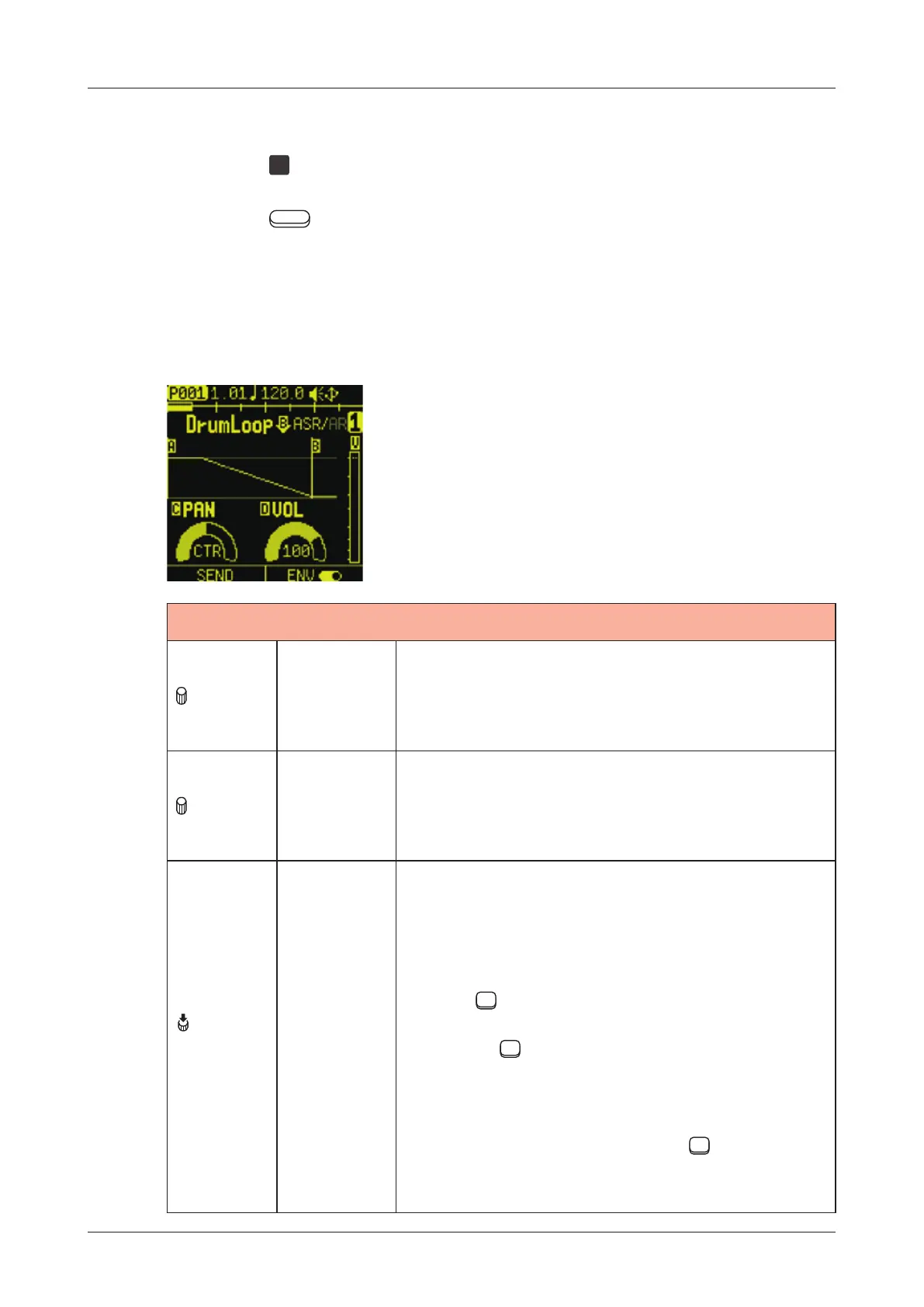
AMP page
The AMP page is used to set amp envelope on the track.
Press the
AMP
pad to open the AMP page.
Press the
Auxiliary buttons as necessary to open the desired
parameter page for editing.
Editing envelope, panning and volume
AMP
A knob
EG
AT TACK
0 - 127:
Envelope attack setting
Sets the time it takes to reach the
volume setting after note on.
B knob
EG
RELEASE
0 - 127:
Envelope release setting
Sets the time until the volume goes to 0
after note o.
B
(Push)
ASR /AR
Switching envelope type
A S R:
Attack-Sustain-Release type envelope
The sound continues to be played as long
as the
TRACK PAD is held down, and
the length set by EG RELEASE is played
after the
TRACK PAD is released.
A R:
Attack-Release type envelope
Regardless of how long the
TRACK
PAD is held down, the length set by EG
RELEASE is played back.
80



 To Next Page