EFFECT page
On the Lo-12 XT, one insert eect can be set for each track.
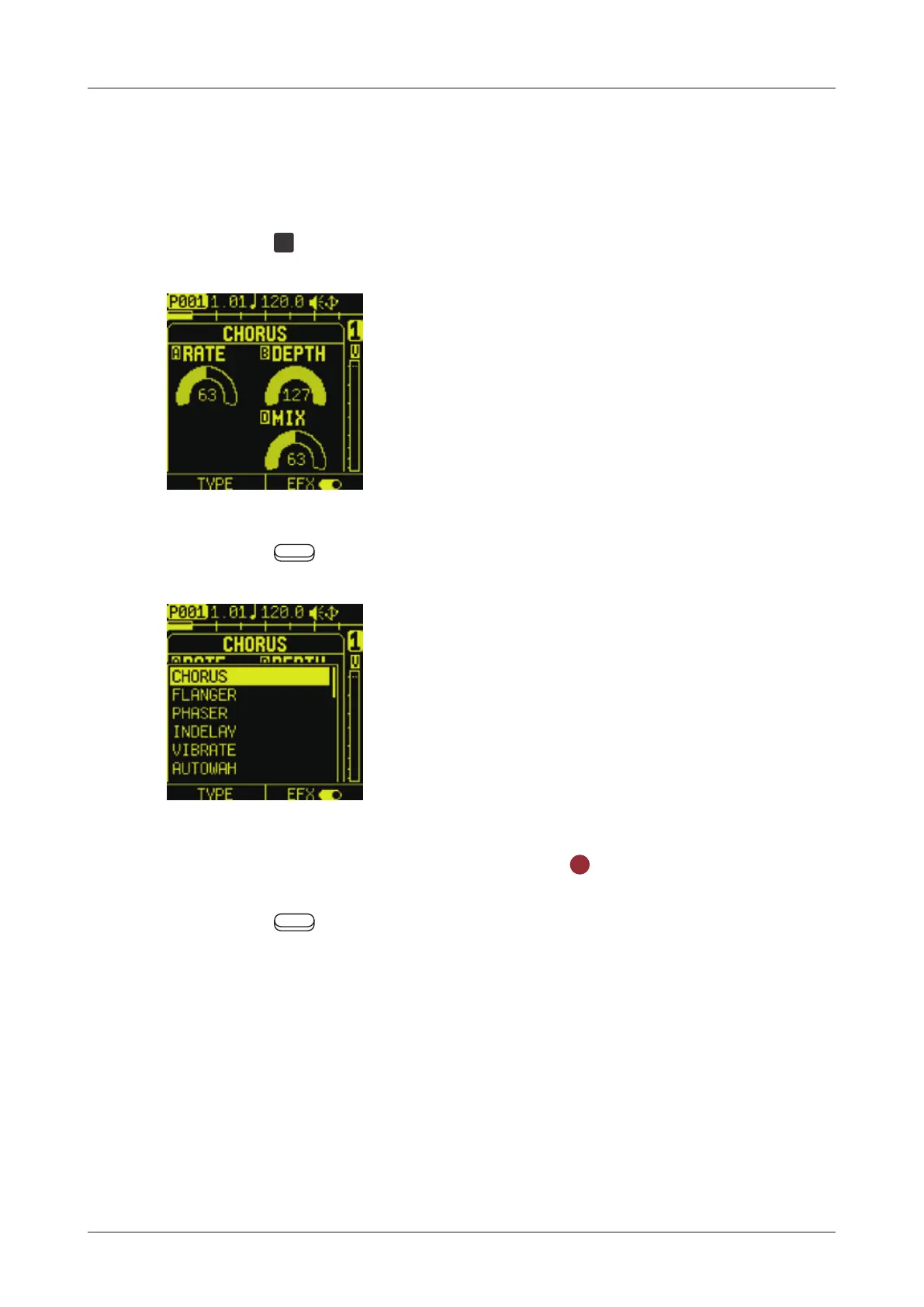
Setting EFX
1
Press the
EFX
pad to open the EFX page.
2
Press the Auxiliary left button TYPE to select EFX TYPE.
3
Select the eect to use, and press the
OK
button.
4
Press the Auxiliary right button to turn on EFX.
83



 To Next Page