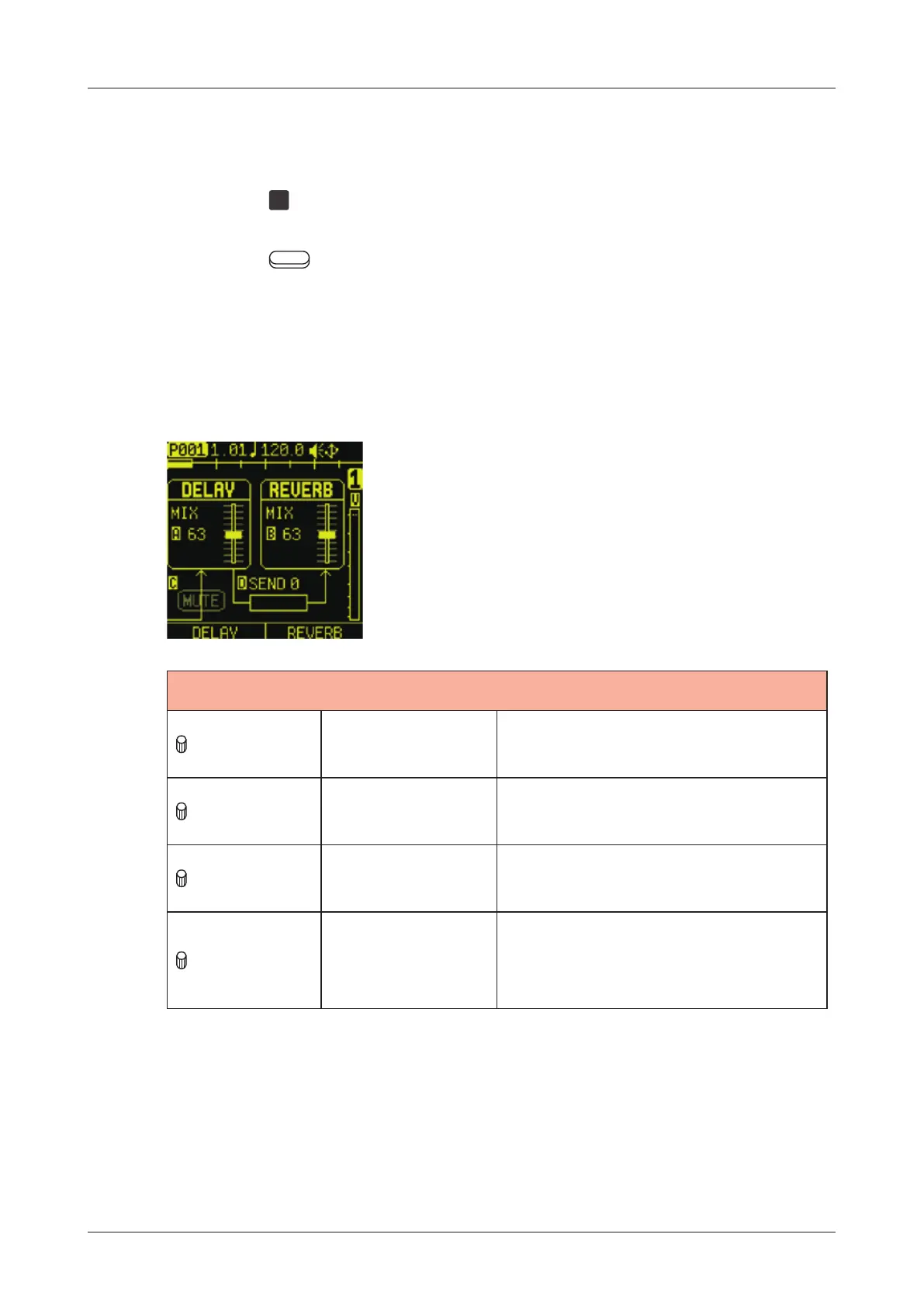
REVERB/DELAY page
The Lo-12 XT has Delay and Reverb send eects.
Send amounts can be adjusted on the AMP page and the mixer.
Press the
RVB
pad to open the Reverb/Delay page.
Press the Auxiliary buttons (left for DELAY and right for
REVERB) to open the parameter page desired for editing.
Editing Delay and Reverb
REVERB/DELAY
A knob Delay Mix
0 - 127:
Delay mix amount
B knob Reverb Mix
0 - 127:
Reverb mix amount
C knob Input Mute
OFF, ON:
This mutes input to the Delay.
D knob
Delay to Reverb
Send
0 - 127:
This adjusts the amount of
Delay sent to the Reverb.
85



 To Next Page