Creating Sequences - Step recording
Using step recording, sequences can be created carefully while
playback is stopped.
Basic operations
1
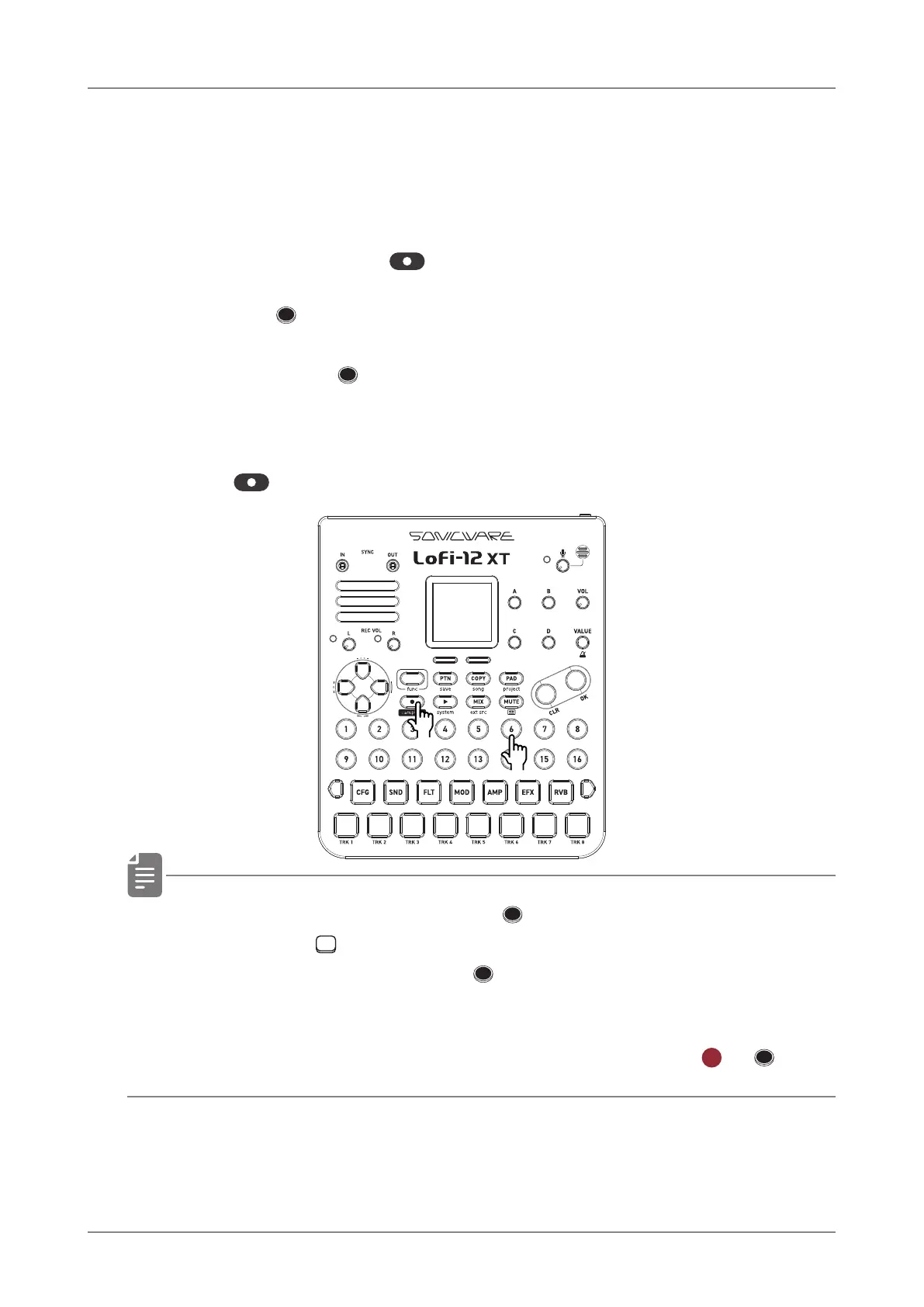
When stopped, press (lights red).
2
Press the STEP for the position where you want to input.
The input STEP will light red.
Press the same STEP again to clear it.
3
Repeat procedure 2 to create the sequence.
4
Press to end step recording.
• In the PAD mode, the selected STEP blinks green, and
pressing the
15 PADs will input a note to the step.
When a note is entered, the
STEP changes to blinking green
and red.
• In the PAD mode, you can delete notes by pressing
CLR
+ ST EP.
90
●❶
●❹
●❷
●❸



 To Next Page