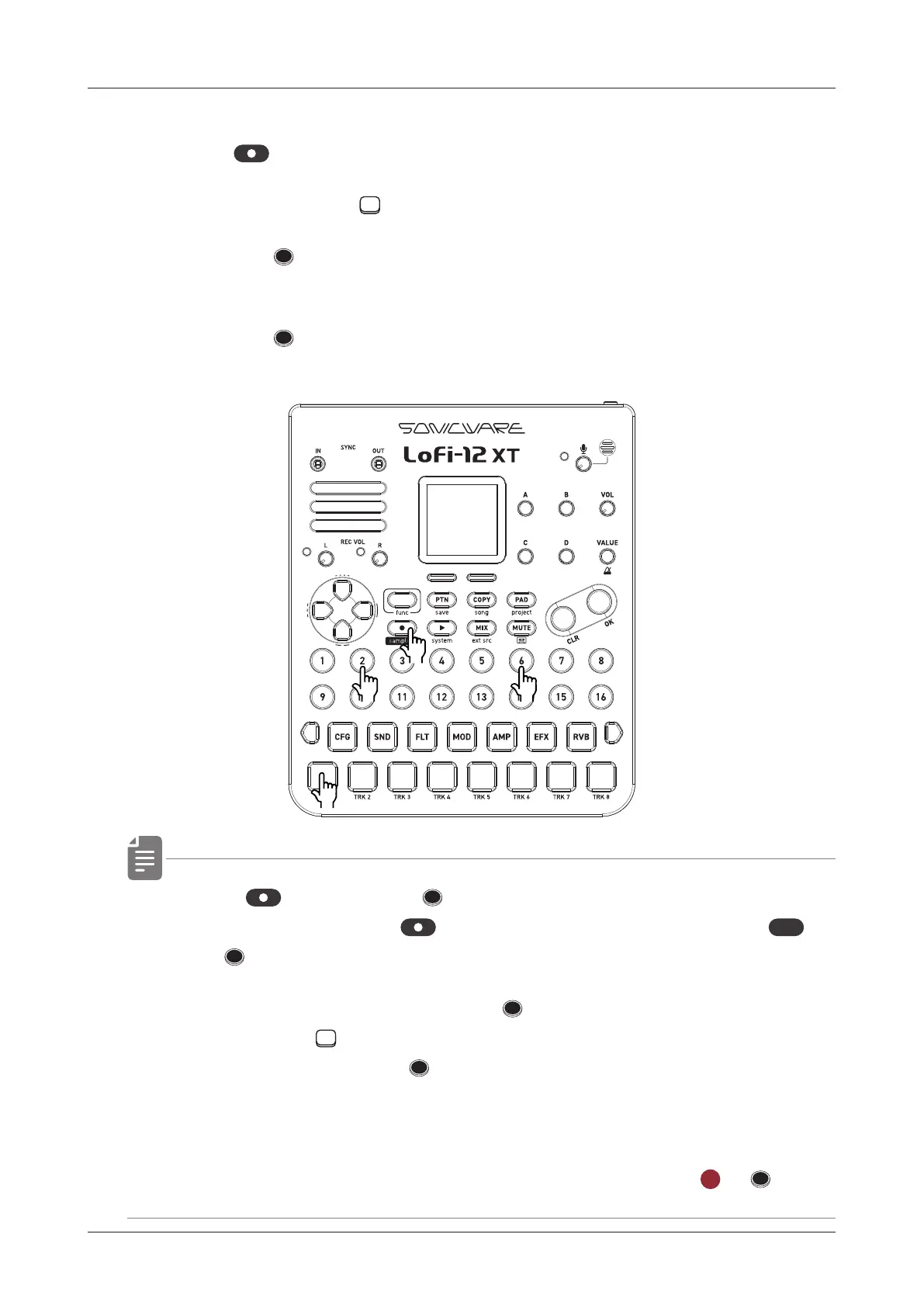
Creating Sequences - Step recording
Inputting tied-notes (long sounds)
1
Press
while stopped to start step recording (lit red).
2
Keep pressing the TRACK PAD.
3
Press the STEP at the position where you want to start
inputting notes.
4
Press the STEP where you want the note to end.
The tied notes from the start step to the end step are entered.
• When is lit red, the STEPs are lit yellow-green to indicate
the tied notes. When
is o, it is indicated by pressing
func
+
the
STEP of the note.
• In the PAD mode, the selected
STEP blinks green, and
pressing the
15 PADs will input a note to the step. When
a note is entered, the
STEP changes to blinking green and
red, and the end step of the tied note is blink green and yellow-
green.
• In the PAD mode, you can delete notes by pressing
CLR
+ ST EP.
92
●❷
●❶
●❸ ●❹



 To Next Page