SPECIFICATIONS:
Range Without Target:
Min: 1.5 ft (0.46m)
Max: 60 ft (18.2 m)
Actual: Will vary depending on environmental
conditions.
Range With Target:
Min: 3 ft (0.91m)
Max: 250 ft (76.2 m)
Actual: Will vary depending on environmental
conditions.
Accuracy:
Single Unit Mode: 99.5% ± 1/4 in (± 1 cm)
Dual Unit Mode: 99.5% ± 1/2 in (± 1 cm)
These accuracies are possible when
environmental conditions are as follows:
Temperature: 32 to 86°F (0 to 30°C)
Relative Humidity: 30 to 70%
Altitude: -328 ft to +328 ft (-0.1 to +0.1 km)
Wind Speed: Still Air
EXAMPLES: SINGLE UNIT MODE
At 15 ft (4.57 m) your reading will be within
1 1/4 ins (3 cm). At 60 ft (18.2 m) your reading
will be within 3 3/4 inches (10 cm).
EXAMPLES: DUAL UNIT MODE
At 15 ft (4.57 m) your reading will be within
1 1/2 ins (3 cm), At 60 ft (18.2 m) your reading
will be within 4 inches (10 cm).
Resolution:
1/4 in (0.01 m, 0.01 ft or 0.01 yd)
Ultrasonic Frequency:
40 kHz without Target,
25 kHz with Target
- 14 - - 15 -
Battery:
9 volt (alkaline recommended)
Current Consumption:
8 - 13 mA
(Approximately 50 hours continuous
use with a new 9 volt alkaline battery)
Operating Temperature:
32 to 100°F (0 to 38°C)
Auto Shut-off:
Approximately 7 minutes after last key press.
Size:
Receiver: 5 7/8 x 2 7/8 x 1 3/4 inches
(147 x 75 x 45 mm)
Target: 4 3/4 x 3 x 1 1/16 inches
(121 x 75 x 27 mm)
Weight:
Receiver: 6.2 oz (175 g) without battery
Target: 4.0 oz (115 g) without battery
- 12 -
NOTES:
1) Turning the unit off will erase both memories.
2) If
memory is empty (no symbol in upper
left corner of display) a measurement can be
stored by pressing button.
3) If
memory is empty (no symbol in upper
left corner of display) a measurement can be
stored by pressing button.
4) Subsequent measurements can be added to
or subtracted from measurement in
by
pressing
or button, respectively. The
resulting value (sum or difference) is displayed.
5) Subsequent measurements can be multiplied
by the stored value (measurement or area) in
by pressing button. The resulting
value (area or volume) is displayed.
6) Other operations such as computing the area
formed by the sum of two distances multiplied
by a third distance are also possible.
For example:
7) The SONIN COMBO PRO can only add like
units of measure. If
contains a distance
and the display shows an area, pressing the
button will cause the area to be stored
in
and the previously stored distance to
be lost.
TO RETRIEVE A STORED VALUE
IN AND
1) Clear the display by pressing and immediately
releasing the
button.
2) Once you have cleared the display, press the
or button to retrieve the reading
stored in that memory.
- 13 -
TEMPERATURE COMPENSATION:
Because temperature affects the speed of sound,
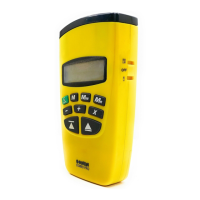
the SONIN COMBO PRO has automatic tempera-
ture compensation for greater accuracy. In order
to make the most of this feature, wait 1 minute for
each 1°F (2 minutes for each 1°C) of temperature
difference between cool and warm locations.
DISPLAYING TEMPERATURE TO IMPROVE
ACCURACY: Since temperature affects accuracy,
the SONIN COMBO PRO is most accurate when
its internal temperature matches the air temperature.
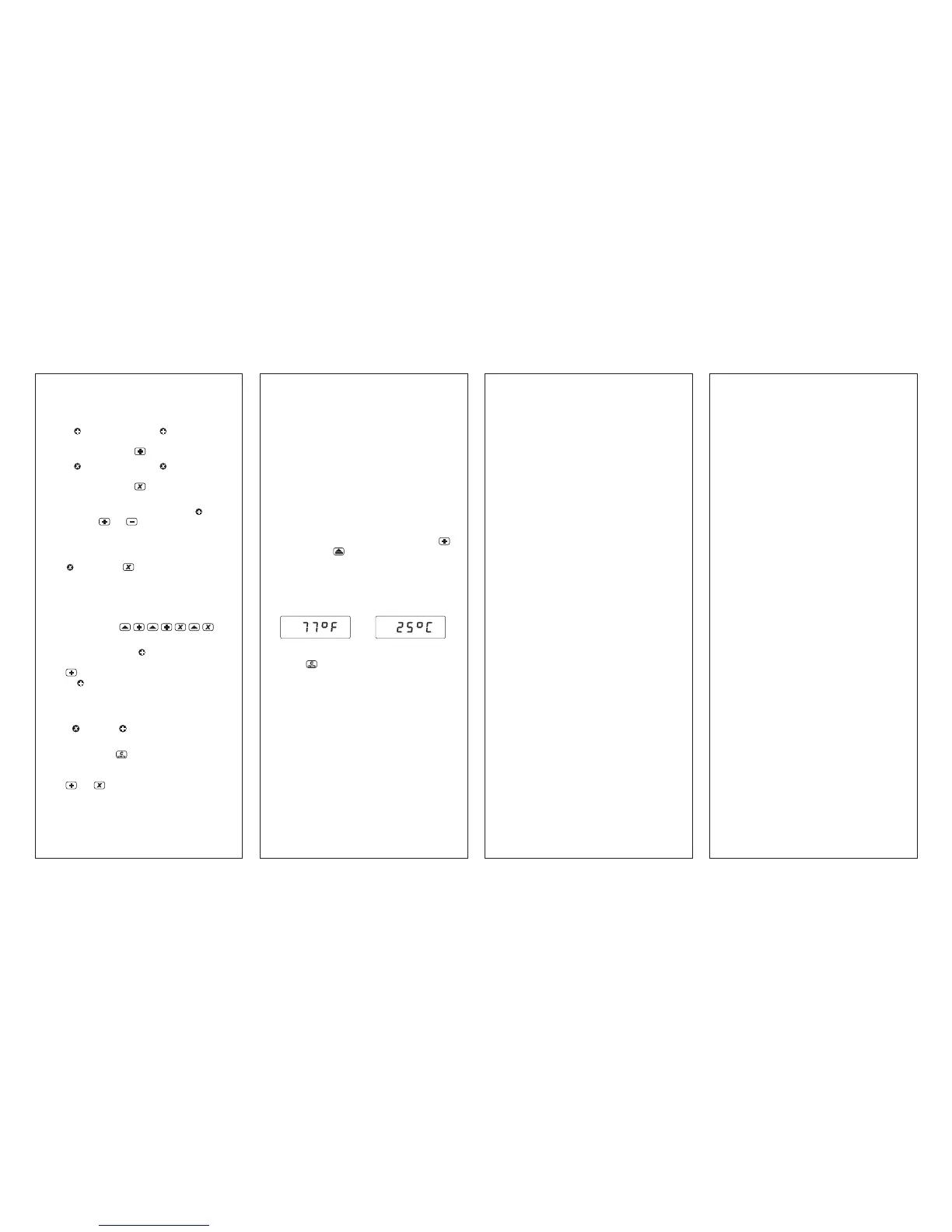
To display temperature: press and hold
key, then press key, the internal temperature
will appear on the display immediately (in °C when
m display units are selected or in °F if selected
display units are ft:in, ft:ft, yds).
For Example:
To go back to measurement mode, press and
release
key or press the measure key directly.
HINT: To speed equalization of the SONIN
COMBO PROs internal temperature versus air
temperature, wave the unit back and forth in the
air to circulate room temperature air through the
unit. For additional information, see "Temperature"
in the section on Environmental Conditions.
LOW BATTERY INDICATOR:
Replace the battery when the BATT symbol appears
on the LCD.
or


 To Previous Page
 Loading...