Function Description
-12-
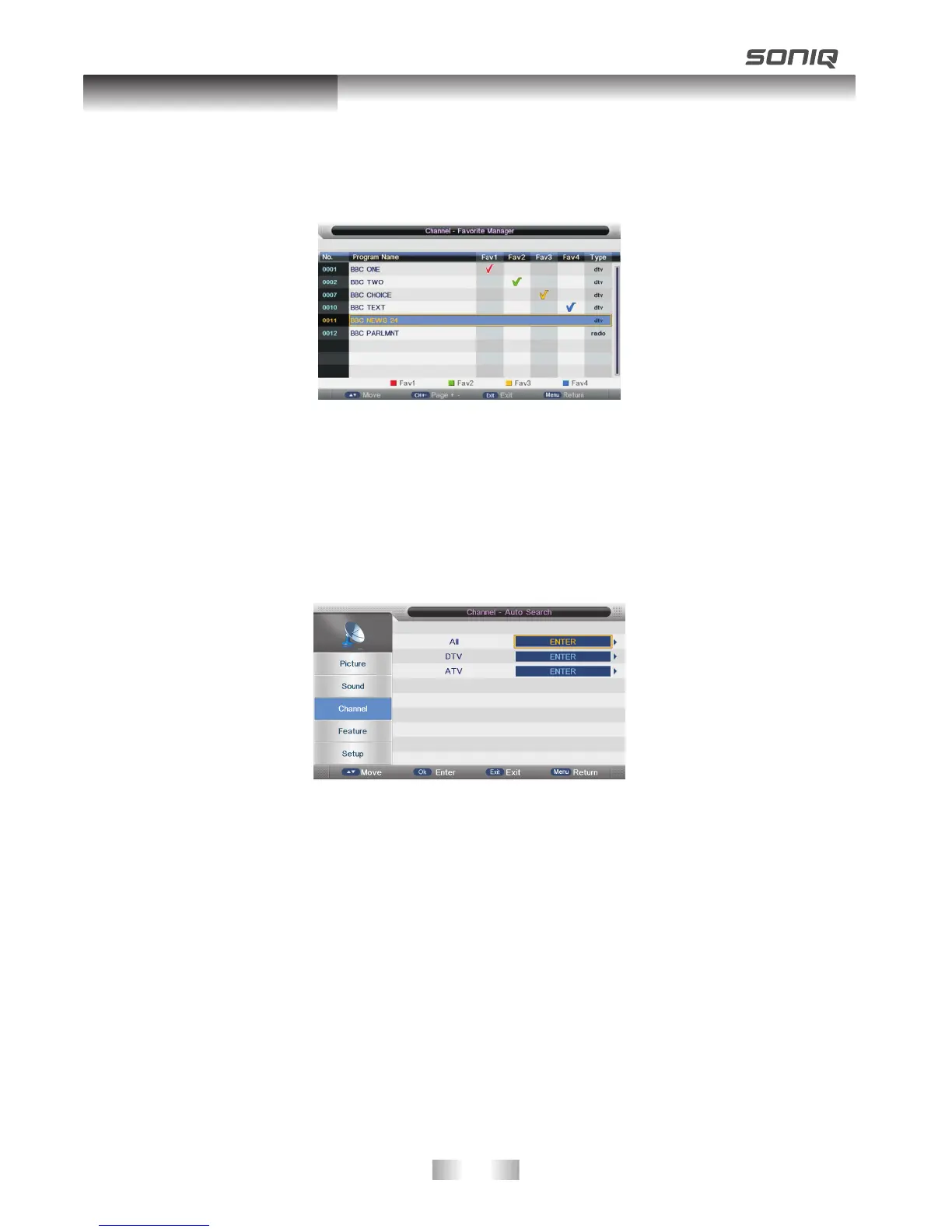
Favorite Management
To manage( Add/Delete) Favorite channels
Press UP/DOWN button to select the programs to be added into favorite list and press
“RED”,” GREEN”, ”YELLOW” or “BLUE” button to mark them.
Country
Press UP/DOWN button to select Country.
Auto Search
All Mode: Select “All” item to scan all digital channels carried by current signal
mode firstly and then switch to scan all analog channels in selected
country automatically. User can skip digital search to analog search
directly by entering EXIT/MENU button and can also stop auto scan
directly by entering EXIT/MENU button during analog scanning.
Digital Mode: Select “digital” item to search all digital channel in selected country
carried by current signal mode. User can stop search directly by entering
EXIT/MENU button.
Analog Mode: Select “Analogue” item to search all digital channels in selected country
carried by current signal mode. User can stop search directly by entering
EXIT/MENU button.



 To Next Page