Multimedia
-16-
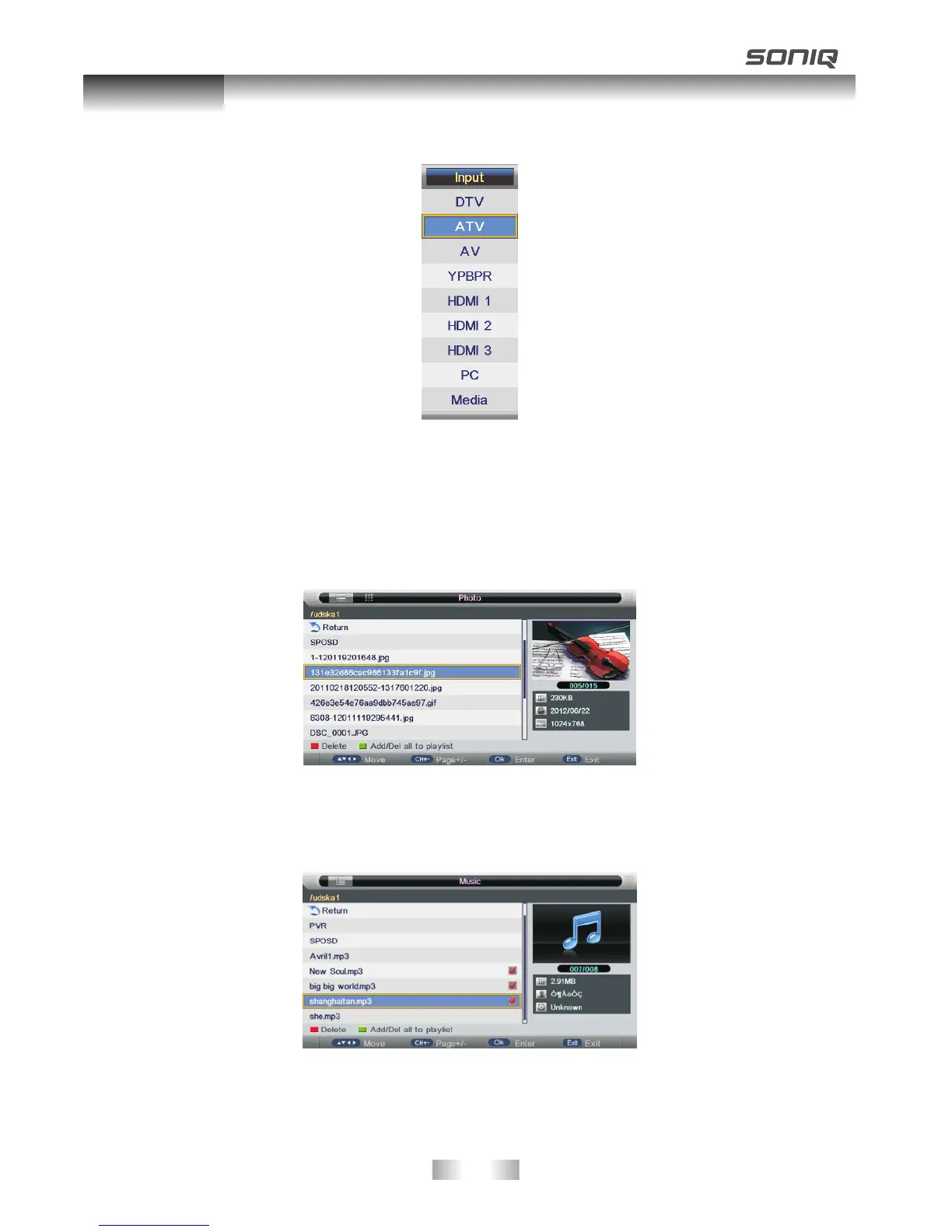
Press SOURCE button and then press UP/DOWN to choose Media.
Plug in a Media on TV, then you can enjoy photo ,movie and eBook through your Media on
TV.
Photo
Press LEFT/RIGHT button to select PHOTO in the main menu, then press OK button
enter photo page.
Music
Press LEFT/RIGHT button to select Music in the main menu, then press OK button enter
music page .



 To Next Page