EasyManua.ls Logo

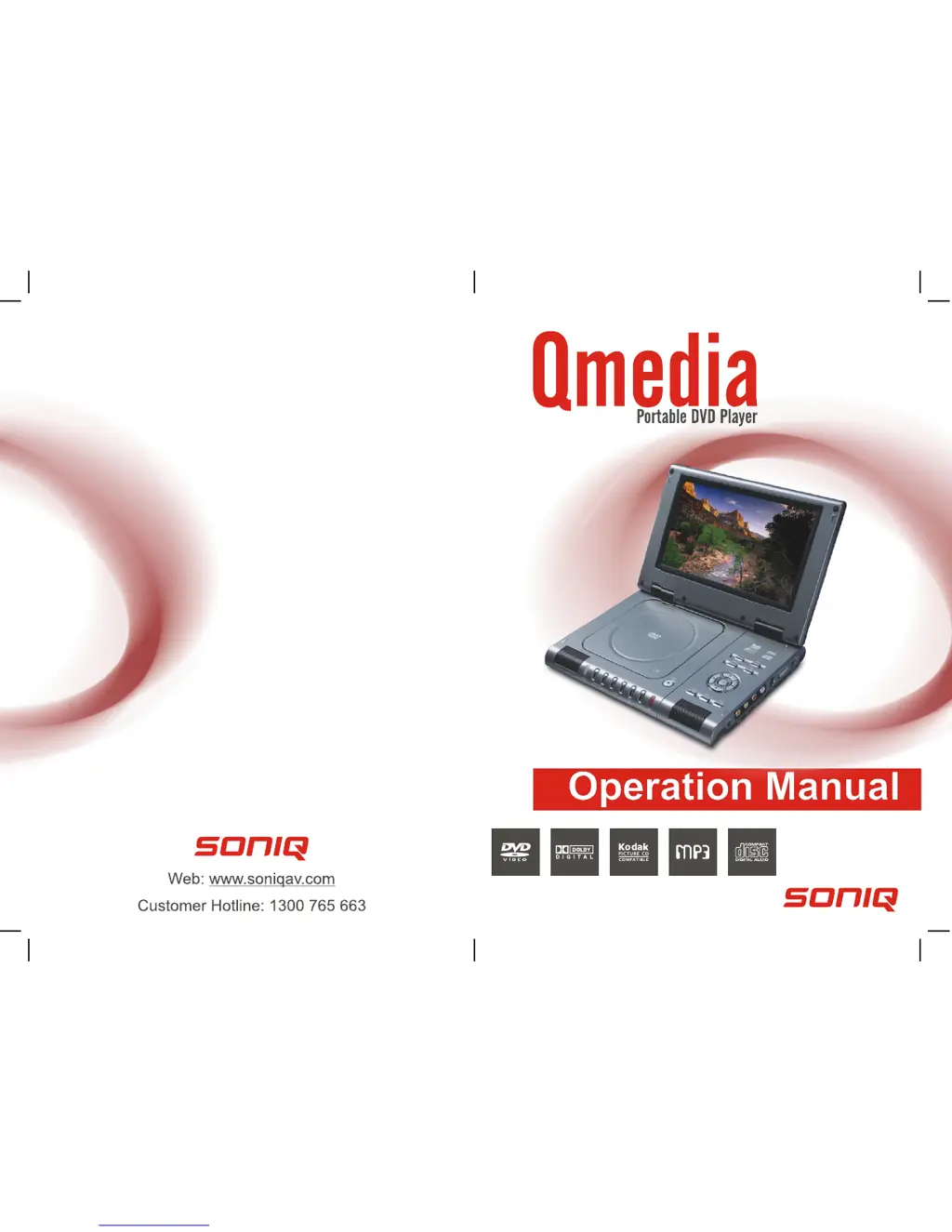
SONIQ Qmedia QMD90B - User Manual

SONIQ Qmedia QMD90B
12 pages
Print Icon
To Next Page IconTo Next Page
Loading...
QMD90B

Questions and Answers

  • U
    uwilliamsJul 30, 2025
    What to do if my SONIQ Portable DVD Player power does not turn on?
    • C
      Christopher WalkerJul 30, 2025
      If your SONIQ Portable DVD Player doesn't turn on or suddenly turns off, ensure the AC adapter is securely plugged into an AC outlet. If it is, try turning the power off and then back on.
  • L
    Lauren SotoAug 3, 2025
    Why is the remote control not working on my SONIQ Portable DVD Player?
    • C
      Christopher HubbardAug 3, 2025
      If the remote control for your SONIQ Portable DVD Player isn't working, first ensure the battery is correctly inserted. If it is, the battery might be flat, so try replacing it with a new one. Also, make sure that you are pointing the remote directly at the remote control sensor on the DVD player and that there are no obstructions blocking the signal.
  • U
    ujohnsonAug 7, 2025
    How to fix no sound on SONIQ Portable DVD Player?
    • M
      Mr. Justin ThompsonAug 7, 2025
      If you're not getting any sound from your SONIQ Portable DVD Player, make sure the display panel is open, as the audio will not output to the speakers when closed. Also, check the volume setting and increase it if it's set to zero. Finally, ensure that headphones are not plugged into the PHONES socket, as the speakers will not work when headphones are connected.
  • R
    Richard CaseyAug 12, 2025
    Why is there no picture and sound on my SONIQ Portable DVD Player?
    • K
      Kara RobinsonAug 12, 2025
      If you're experiencing no picture or sound on your SONIQ Portable DVD Player, check that the A/V cables are securely connected. Make sure the disc is a supported format (DVD region number 1 or all, DVD-RW, VIDEO CD, or AUDIO CD) and is free of scratches or dirt, with the label-side facing up. If viewing with a TV, ensure the TV channel is set to VIDEO or AV.
  • C
    chadrobinsonAug 16, 2025
    Why is there no picture and sound on SONIQ Portable DVD Player?
    • Y
      Yolanda CooleyAug 16, 2025
      If your SONIQ Portable DVD Player has no picture and sound, check that the battery is properly installed and the AC Adapter is properly connected.
  • M
    Mary WarnerAug 20, 2025
    How to fix no picture on SONIQ Portable DVD Player?
    • A
      Antonio SmithAug 20, 2025
      If there is no picture on your SONIQ Portable DVD Player, check that the LCD display is turned on.
  • N
    Nicholas GrayAug 25, 2025
    What causes distorted video or sound on SONIQ Portable DVD Player?
    • H
      Harold SanchezAug 26, 2025
      If the video or sound on your SONIQ Portable DVD Player is distorted, try using a disc without scratches or dents.

Summary

BATTERY INSTALLATION

Battery Service Life

Details on battery lifespan, replacement, and usage.

DVD PLAYER AND REMOTE OVERVIEW

AC ADAPTER USAGE AND SAFETY

CONNECTING EXTERNAL DEVICES

OPERATING THE DVD PLAYER

Player Preparation and Startup

Steps to power on, insert disc, and start playback.

INITIAL SETTINGS CONFIGURATION

System Setup Options

TV System, LCD Mode, TV Type, Password, Rating.

DISC HANDLING AND TROUBLESHOOTING

Disc Handling Precautions

Guidelines for handling discs to prevent damage.

Troubleshooting Common Issues

Solutions for common player problems like power or sound issues.

SONIQ Qmedia QMD90B Specifications

General IconGeneral
Screen Size9 inches
Resolution800 x 480 pixels
Battery LifeUp to 2.5 hours
Aspect Ratio16:9
Headphone JackYes
Supported FormatsDVD, CD, MP3, JPEG
Disc PlaybackDVD
ConnectivityAV output, USB
Power SourceAC adapter, rechargeable battery
Card ReaderSD/MMC card reader
Region Code4
Power SupplyAC 100-240V