2
GPU Card Installation Steps
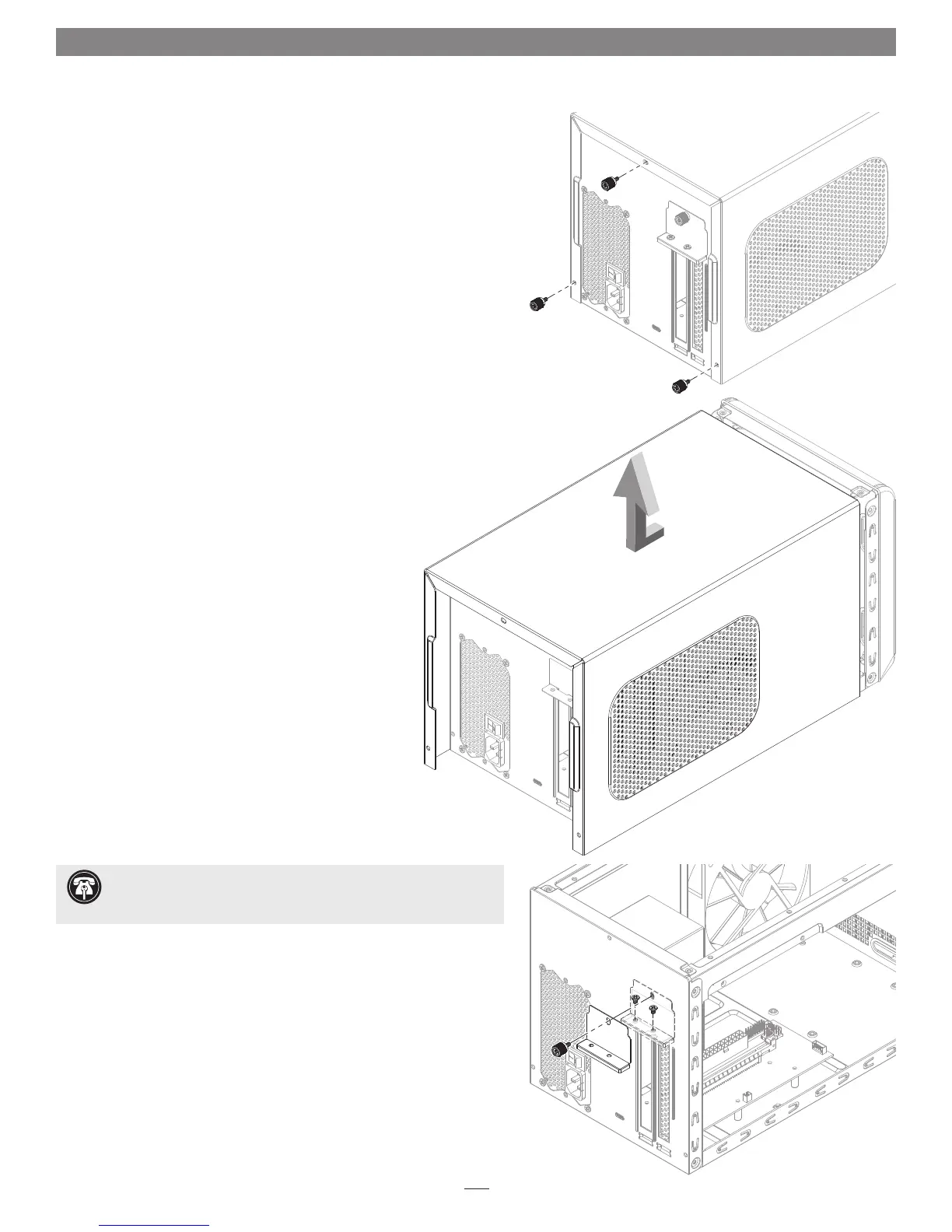
Figure 1
Figure 2
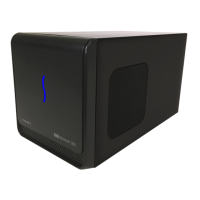
1. Remove the eGFX Breakaway Box (referred to as “the box” from this
point forward in this section) from its packaging, and then set it on a
flat, level surface.
2. Remove and set aside the three thumbscrews securing the top cover to
the inner assembly (Figure 1).
3. Grasping the raised sections on the back edge, slide the top cover
toward you until it stops (Figure 2).
4. Lift the top cover straight up, pull the sides apart slightly, and then
remove and set aside the cover (Figure 2).
5. Remove and set aside the two screws securing the PCIe card bracket
locking plate to the inner assembly (Figure 3).
6. Remove and set aside the thumbscrew securing the PCIe card bracket
locking plate, and then remove the port access cover (Figure 3).
Support Note: To avoid damaging components due to static
electricity discharge, wear an antistatic wrist strap while working
inside the eGFX Breakaway Box.
Figure 3


 To Next Page