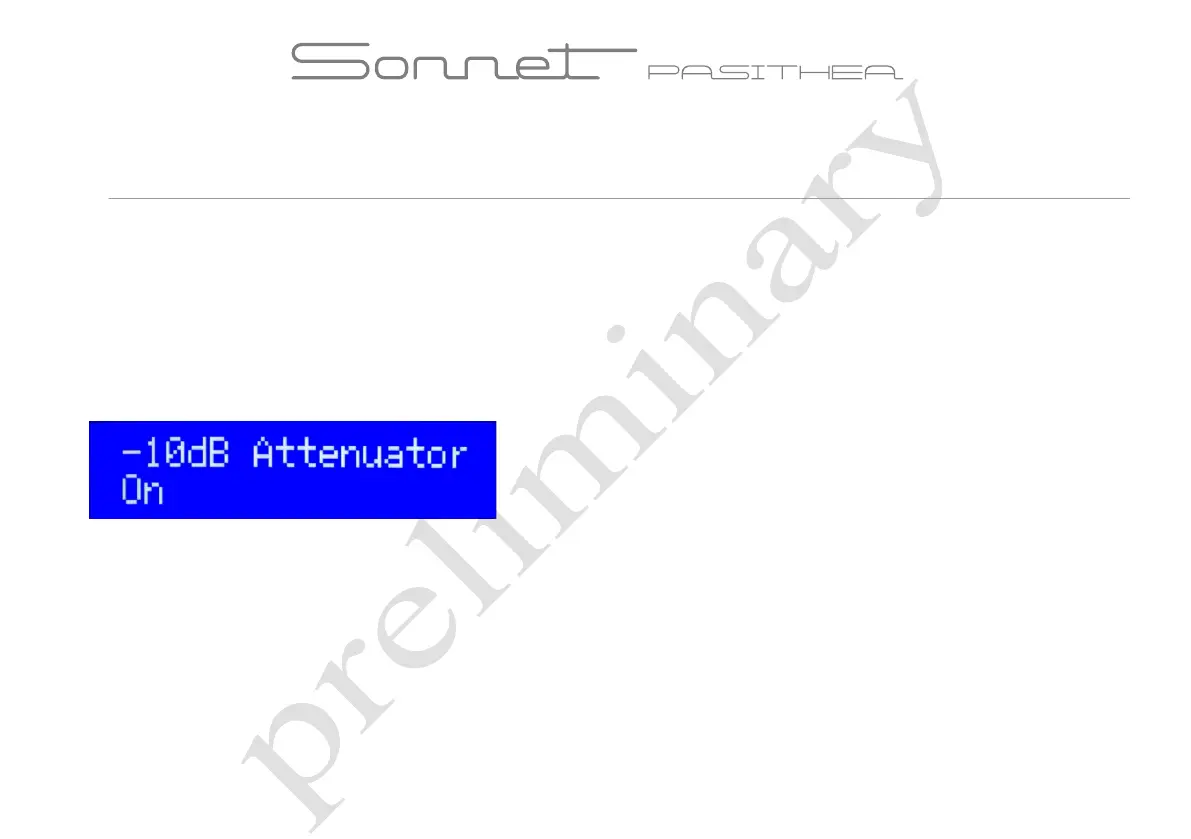
-10dB option by software via Menu settings
The -10 dB software option can be used instead of the hardware option and is convenient in many situations. Even on top of the present
hardware setting the software setting may be applied so that a total attenuation of 20dB can be realized.
Enter the menu settings
The menu settings are accessible by pressing both source and power buttons simultaneously. After entering the menu the -10dB option can be
find by toggling the source button until this option is visible. By rotating the volume knob left or right this option can be enabled or disabled.
When the right attenuation is set push the volume knob to store this setting in the memory.



 To Next Page