Menu settings
DSP functions Options like MQA or other DSP modules are detected automatically when installed but can be bypassed in the menu. By
default the “MQA/DSP” option is switched to “On” . To set the “MQA/DSP” to “Off” press both front panel buttons on the Pasithea
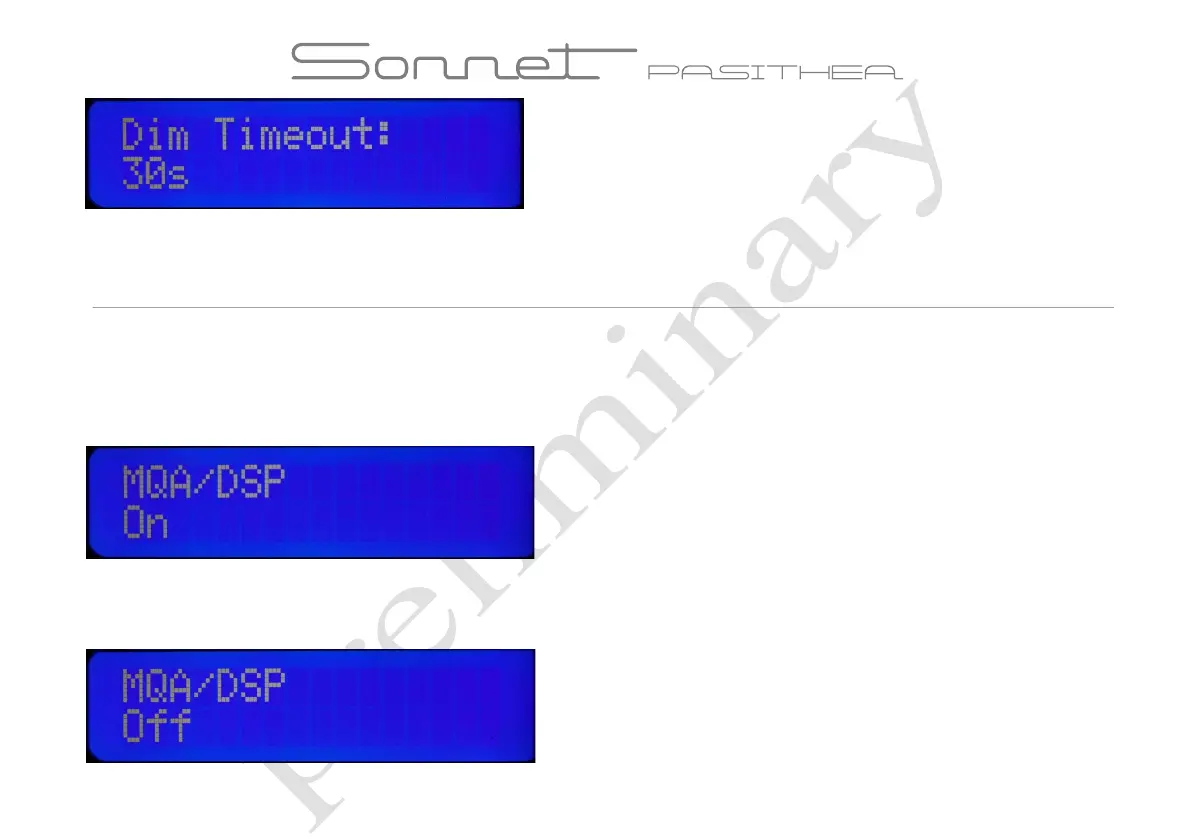
simultaneously to enter the menu mode. The volume setting is the first item visible. Now use the source button on the front of the Pasithea
twice to enter the “MQA/DSP ”mode. The following display will be visible:
Turn the volume knob counter clockwise to switch the “MQA/DSP” function to Off. Rotating the volume knob clockwise will activate
the “MQA/DSP” setting again. Press the volume knob to enter this setting in the memory of the Pasithea.



 To Next Page