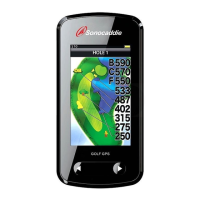
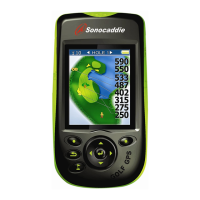
User’s Guide
This document is the property of Sonostar Inc. Any unauthorized reproduction is prohibited.
Page 2
Contents
Welcome ........................................................................................................................4
Warnings................................................................................................................4
Cautions .................................................................................................................4
Chapter 1. Introduction ..................................................................................................5
1.1 Features............................................................................................................5
1.2 Display .............................................................................................................6
1.2.1 Symbol Description ..............................................................................7
1.2.2 Status Area............................................................................................7
1.2.3 Battery level..........................................................................................7
Chapter 2. Getting started ..............................................................................................8
2.1 Charging...........................................................................................................8
Chapter 3. Before starting a Game.................................................................................8
3.1 Power ON/OFF ................................................................................................8
3.2 Main Menu.......................................................................................................9
3.2.1 GPS : Provides the GPS reception status information..........................9
3.2.2 Settings..................................................................................................9
Chapter 4. Course Management...................................................................................10
4.1 Before Uploading Course Information ..........................................................10
4.1.1 Login or Join Free Sonocaddie Membership......................................10
4.1.2 Install “AUTO PLAY Software" in Your Computer .....................10
4.1.3 Connect AUTO PLAY and Computer................................................12
4.2 Update Course Data .......................................................................................12
4.2.1 Manage data in AUTO PLAY ............................................................14
Chapter 5. Starting a game...........................................................................................16
5.1 Start with Existing Courses............................................................................16
5.1.1 Course Auto Search ............................................................................16
5.1.2 Search Courses from COURSE LIST (Manual Search).....................17
5.1.3 Auto Hole............................................................................................17
5.2 Course Management for AUTO PLAY device..............................................18
5.2.1 Create a New Course ..........................................................................18
5.2.2 Delete a Course...................................................................................18
5.2.3 To Rename a Course...........................................................................19
5.3 Adding New Reference Points.......................................................................19
5.3.1 Mapping a hole ...................................................................................19
5.4 Reference Points next to Green......................................................................20
5.5 Reference Points on Green.............................................................................20
5.6 Editing Reference Points................................................................................20


 To Next Page