Need help?
Do you have a question about the Sonoff T2US3C and is the answer not in the manual?
Instructions for powering off the device before installation or repair to ensure safety.
Detailed guidance on connecting the Wi-Fi smart wall switch to power and light fixtures.
Instructions on how to download and install the companion eWeLink mobile application.
Steps for powering on the device and entering its initial quick pairing mode.
Guidance on adding the smart switch to the eWeLink app via Quick Pairing.
Alternative method for pairing if Quick Pairing fails, involving specific LED indicators.
Instructions for pairing a 433.92MHz RF remote controller with the smart switch.
Technical details including model numbers, input/output, load, Wi-Fi, RF, OS, materials, and dimensions.
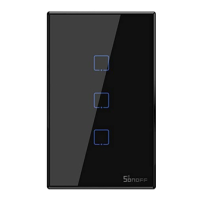
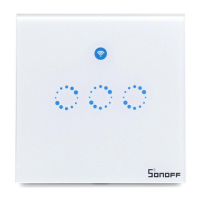
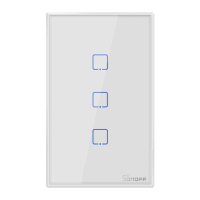
Overview of the smart switch's physical components and features like touch button and LED indicators.
Explanation of different Wi-Fi LED indicator patterns and their corresponding status instructions.
Highlights of the device's capabilities such as remote control, scheduling, and voice control.
Steps to reset the device to factory defaults, typically by long-pressing a button.
Addresses issues like device offline status, Wi-Fi connectivity, and server connection failures.
Information regarding compliance with FCC Rules, including interference and operation conditions.
Details on FCC limits for radiation exposure and installation recommendations for safe operation.
Statement of compliance with EU Directive 2014/53/EU for radio equipment.
Key technical data including TX/RX frequency and RF output power.

 To Next Page
 General