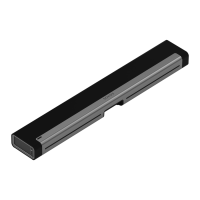
1 If your TV is wall-mounted, place the
positioning guide against the wall,
aligning the top edge with the bottom
of your TV. There should be 5.5"
(140mm) between the top of the wall
mount bracket and the TV.
2 Mark the screw locations and remove
the guide.
3 If you’re using the included wall
anchors, use a 5/16" drill bit to drill the
pilot holes and then insert the wall
anchors. Don’t use the anchors if
you’re drilling into wood or plastic.


 To Next Page