Home
Sonos
Speaker System
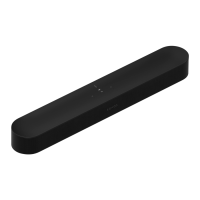
Beam Gen 2
Page 18 (Set it up)
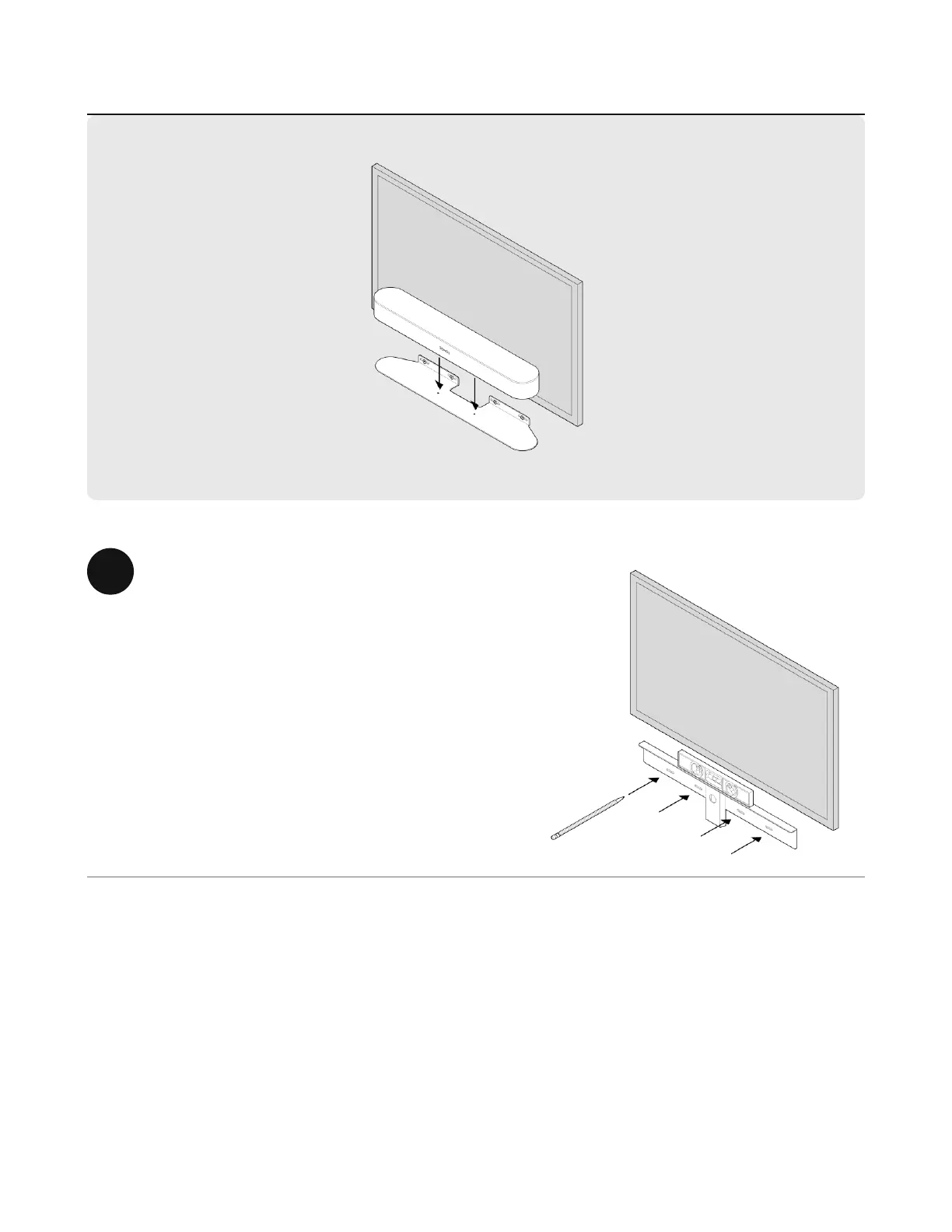
Sonos Beam Gen 2 - Set it up; Wall mounting setup steps
24 pages
Manual
Save Page as PDF
To Next Page
To Next Page
To Previous Page
To Previous Page
Loading...
S
e
t
i
t
u
p
1
a
. T
ape the cardboard template to the
wall above or below your TV
. Use a
level. Keep 1" (25mm) space
(minimum) for access to Beam’s
touch controls. (Don’t install Beam
vertically
.)
b
. Mark the center of the mounting
holes and remove the template.
17
19
Table of Contents
Main Page
Controls and Lights
3
Connector Panel
5
Select a Location
6
Connect the Cables
7
Voice Services
9
Microphone On/Off
9
Product Settings
11
Home Theater
13
Wall Mount
16
Specifications
21
Important Safety Information
24
Related product manuals
Sonos ZoneBridge BR100
14 pages
Sonos Playbar
4 pages
Sonos ARC
14 pages
Sonos S19
39 pages
Sonos Ray
35 pages
Sonos S2 app
16 pages
Sonos Arc SL
22 pages
Sonos Arc Ultra
24 pages


 To Next Page