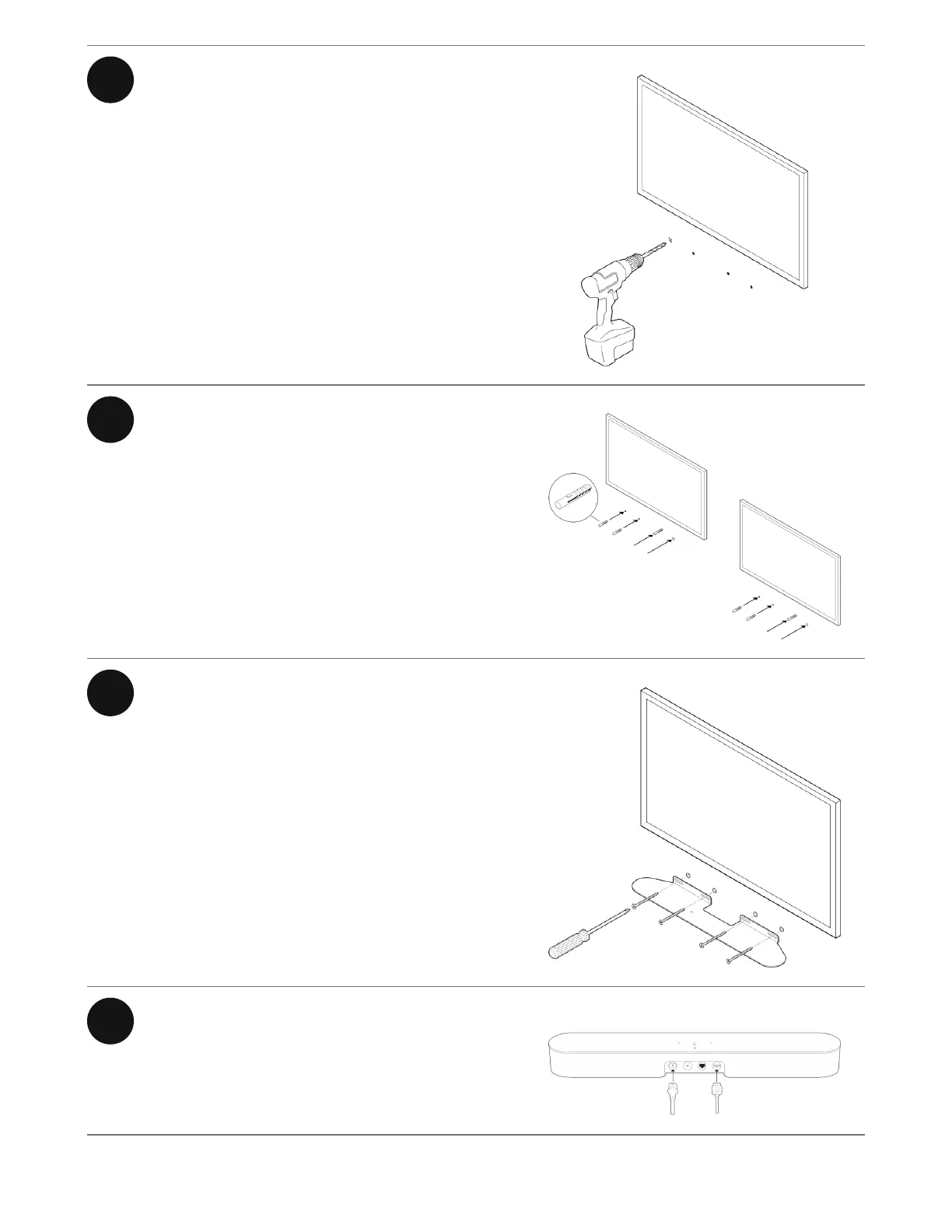
2 Use a 5/16" drill bit to drill pilot holes.
3 Insert and secure the wall anchors
(don’t use the anchors if drilling into
wood).
4 Place the bracket on the wall and
loosely tighten the wall screws to
secure the bracket. Check with a level
and then tighten the screws.
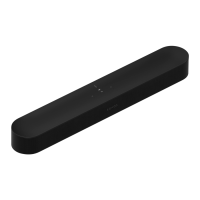
5 Connect the power and HDMI cables
to Beam.


 To Next Page