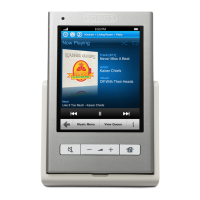
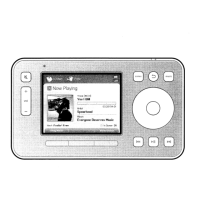
Sonos Controller 20012
ENGLISH
DEUTSCH
NEDERLANDS
SVENSKA
• To add new music folders to Sonos, touch Settings→Music Library
Management→Music Library Setup→Add Share.
• To remove music folders, touch Settings→Music Library Management
→Music Library Setup. Touch the share you wish to remove and then select
Remove Share.
The Sonos Multi-Room Music System indexes your music folders so you can view
your music collection by categories (such as artists, albums, composers, genres, or
tracks.) If you add new music to a folder that is already indexed, simply update your
music index to add this music to your Sonos music library.
• To update your music index, touch Settings→Music Library Management
→Update Music Index Now. If you’d like your music index to update
automatically each day, select Schedule Music Index Updates and then select
a music index update time.


 To Next Page