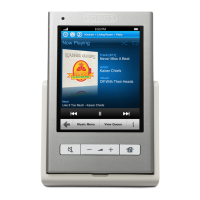
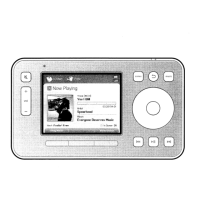
Sonos Controller 20014
ENGLISH
DEUTSCH
NEDERLANDS
SVENSKA
1. Remove the battery door on the back of your Controller 200.
2. Remove the existing battery by gently pulling the gray battery tab toward you to
dislodge the battery, and then lift up to remove.
3. Remove the protective wrap from the new battery.
4. Insert the battery into the battery compartment with the Sonos logo facing out,
making sure the battery snaps gently into place.
5. Close the battery door.
6. Place the Controller into the charging cradle to wake it up.
Caution: Risk of explosion if battery is replaced by incorrect type.
Dispose of used batteries according to the instructions. (Check with
your local waste or recycling company to determine the proper disposal
method in your area.)
Slide the battery door
back, and then lift it off


 To Next Page