EasyManua.ls Logo

Sonova Phonak Audeo L-312 - User Manual

Sonova Phonak Audeo L-312
76 pages
Print Icon
To Next Page IconTo Next Page
Loading...
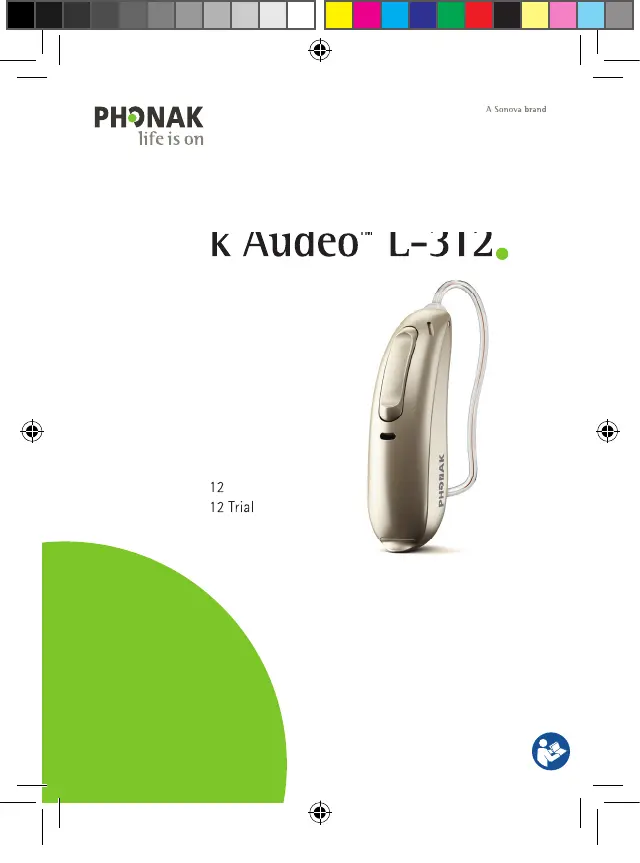
Phonak Audéo
L-312
User Guide
Phonak Audéo L-312
Phonak Audéo L-312 Trial
Phonak Audéo
L-312
Phonak Audéo L-312
Phonak Audéo L-312 Trial
PH_UserGuide_Audeo_L-312_92x125_EN_V1.00_029-1326-02.indd 1PH_UserGuide_Audeo_L-312_92x125_EN_V1.00_029-1326-02.indd 1 2023-12-04 11:42:40 AM2023-12-04 11:42:40 AM

Questions and Answers

  • C
    Cindy BlakeAug 7, 2025
    Why is my Sonova Phonak Audeo L-312 not loud enough or distorted?
    • J
      Jessica SmithAug 7, 2025
      If your Sonova Hearing Aid isn't loud enough or the sound is distorted, there are several potential causes. Check if the volume is set too low and increase it if a volume control is available. Also, a low battery can cause this issue, so try changing the battery. The earpiece or speaker might also be blocked; in that case, clean the speaker opening or earpiece.
  • W
    Walter LopezAug 13, 2025
    How to stop my Sonova Phonak Audeo L-312 Hearing Aid from whistling?
    • J
      joshuarichardsonAug 13, 2025
      Your Sonova Hearing Aid might be whistling because it's not correctly inserted into your ear. Another cause might be cerumen in the ear canal.
  • S
    stephanie44Aug 18, 2025
    How to decrease the volume on Sonova Phonak Audeo L-312 Hearing Aid?
    • M
      Martin BrooksAug 19, 2025
      If your Sonova Hearing Aid is too loud, it might be because the volume is set too high. If your device has a volume control, try decreasing the volume.
  • J
    Jesse ColemanAug 25, 2025
    Why phone call function does not work on Sonova Phonak Audeo L-312?
    • B
      Brandy EllisonAug 26, 2025
      If the phone call function on your Sonova Hearing Aid isn't working, your hearing aid might be in flight mode; try switching it off and then on again. Alternatively, the hearing aid may not be paired to the phone; in that case, pair it to the phone.
  • B
    bradfordjohnathanAug 31, 2025
    What does it mean when my Sonova Phonak Audeo L-312 Hearing Aid plays two beeps?
    • R
      Rodney PetersAug 31, 2025
      If your Sonova Hearing Aid plays two beeps, this usually indicates a low battery. Change the battery within the next 30 minutes.

Summary

1. Quick guide

Changing batteries

Step-by-step instructions for replacing the hearing aid battery.

Left and right hearing aid markings

Visual guide to identifying left and right hearing aids by color markings.

2. Parts of the hearing aid

Compatible earpieces

Illustrations and names of different earpiece types for the hearing aid.

3. Left and right hearing aid markings

4. On;Off

5. Batteries

6. Putting on the hearing aid

7. Removing the hearing aid

8. Multi-function button

9. Connectivity overview

10. Initial pairing

10.1 Initial pairing to a Bluetooth enabled device

Procedure for pairing the hearing aid with Bluetooth devices for the first time.

11. Phone calls

12. Flight mode

12.1 Enter flight mode

Steps to disable wireless functions and enable flight mode on the hearing aid.

13. myPhonak App overview

14. Roger overview

15. Environmental conditions

16. Care and maintenance

17. Exchanging the earwax protection

17.1 Removing the earpiece from the speaker

Guide on how to detach the earpiece from the hearing aid speaker.

18. Service and warranty

19. Compliance information

20. Information and description of symbols

21. Troubleshooting

22. Important safety information

23.1 Hazard warnings

23.2 Information on product safety

Notes

Sonova Phonak Audeo L-312 Specifications

General IconGeneral
BrandSonova
ModelPhonak Audeo L-312
CategoryHearing Aid
LanguageEnglish

Related product manuals