17
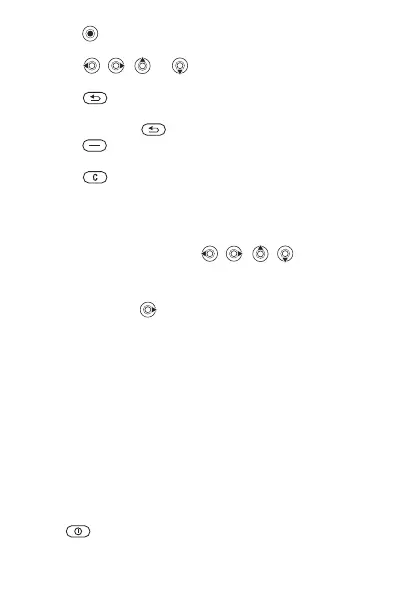
• Press (navigation key) to go to the main menu
or to select items.
• Press , , or to move through menus and
tabs.
• Press to go back one level in the menus or to
end a function or application.
• Press and hold to return to standby.
• Press to select the options shown immediately
above these keys on the screen.
• Press to delete items.
• } More to enter a list of options.
• } Info to get help on selected features.
Shortcuts
From standby, you can use , , , to go directly
to a function.
To create a standby shortcut
1 If, for example, has no predefined shortcut } Yes.
2 Scroll to a function to create a shortcut to } Shortcut.
To edit a standby shortcut
1 From standby select Menu } Settings } General
} Shortcuts and select an existing shortcut you want
to edit } Edit.
2 Scroll to and select a function } Shortcut.
Shut down menu
Shut down the phone, lock keys, turn on silent mode
or activate a profile. For more information about profiles
% 53 Profiles.
To open and close the shut down menu
Press and select an option from the list.
This is the Internet version of the User's guide. © Print only for private use.














 To Next Page