36
Imaging
Camera and video camera
Your phone has a camera which also works as a video
camera. Take pictures and record video clips to save,
send or use. Use a picture as a screen saver, wallpaper or
a contact item % 24 To add a picture or a ringtone to a
contact.
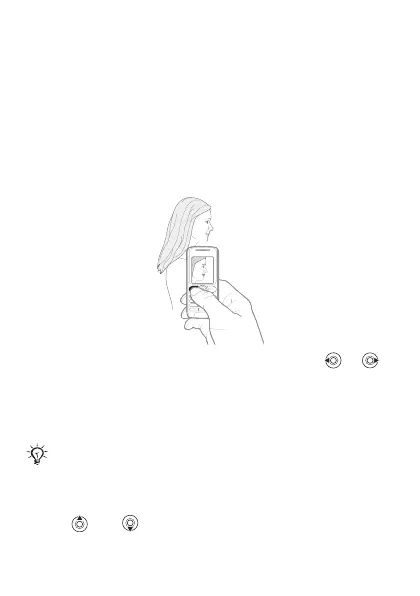
To take pictures and record video clips
1 From standby select Menu } Camera, press or
to switch between camera and video camera.
2 } Capture to take a picture or
3 } Record to take a video clip.
4 To end the video recording } Stop.
To use the zoom
• Use
and to zoom in and zoom out.
If you try to record with a strong light source such
as direct sunlight or a lamp in the background, the
screen may black out or the picture may be distorted.
This is the Internet version of the User's guide. © Print only for private use.














 To Next Page